Downloads · Free playbook PDF
Shot on nothing.
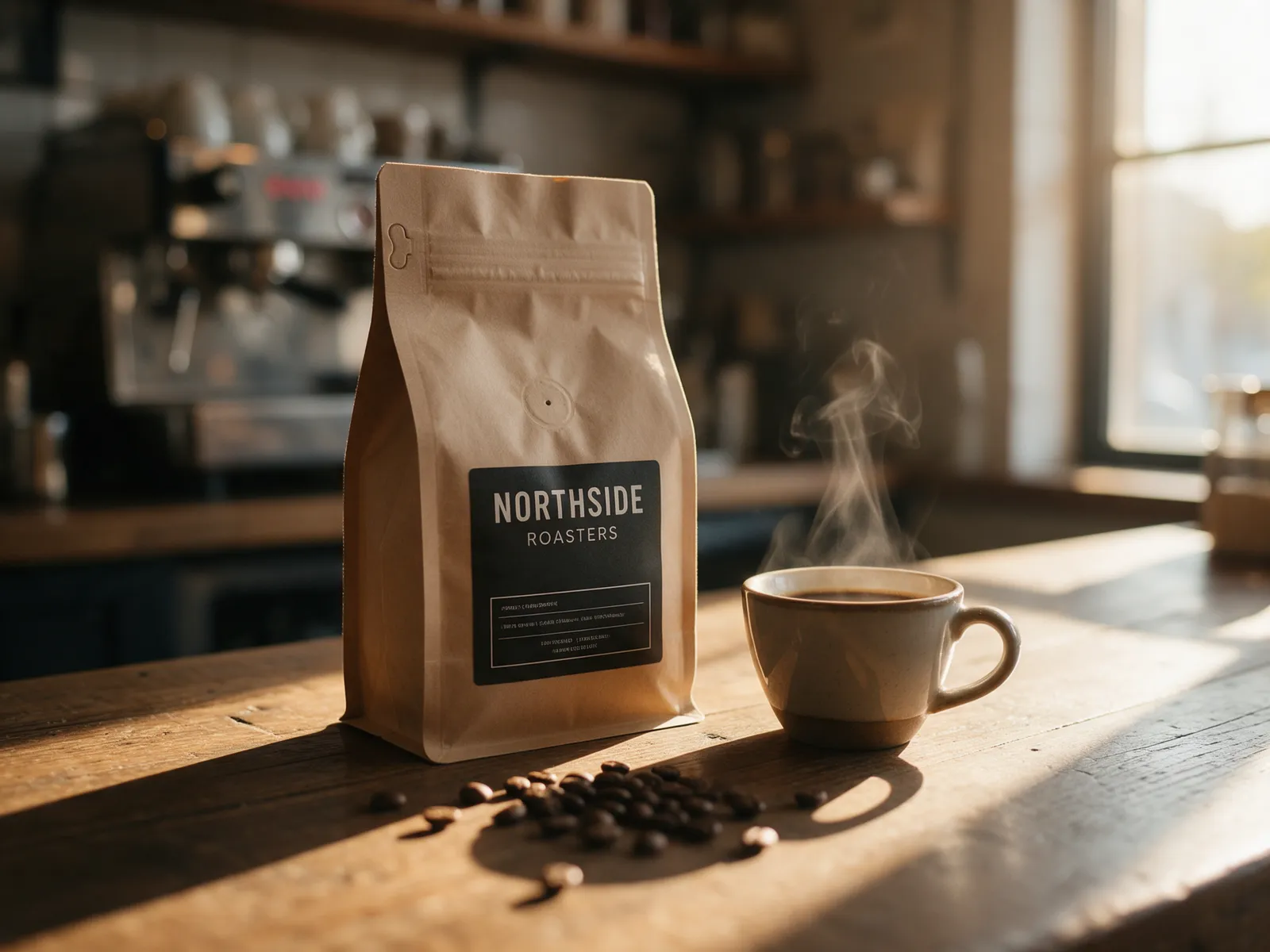
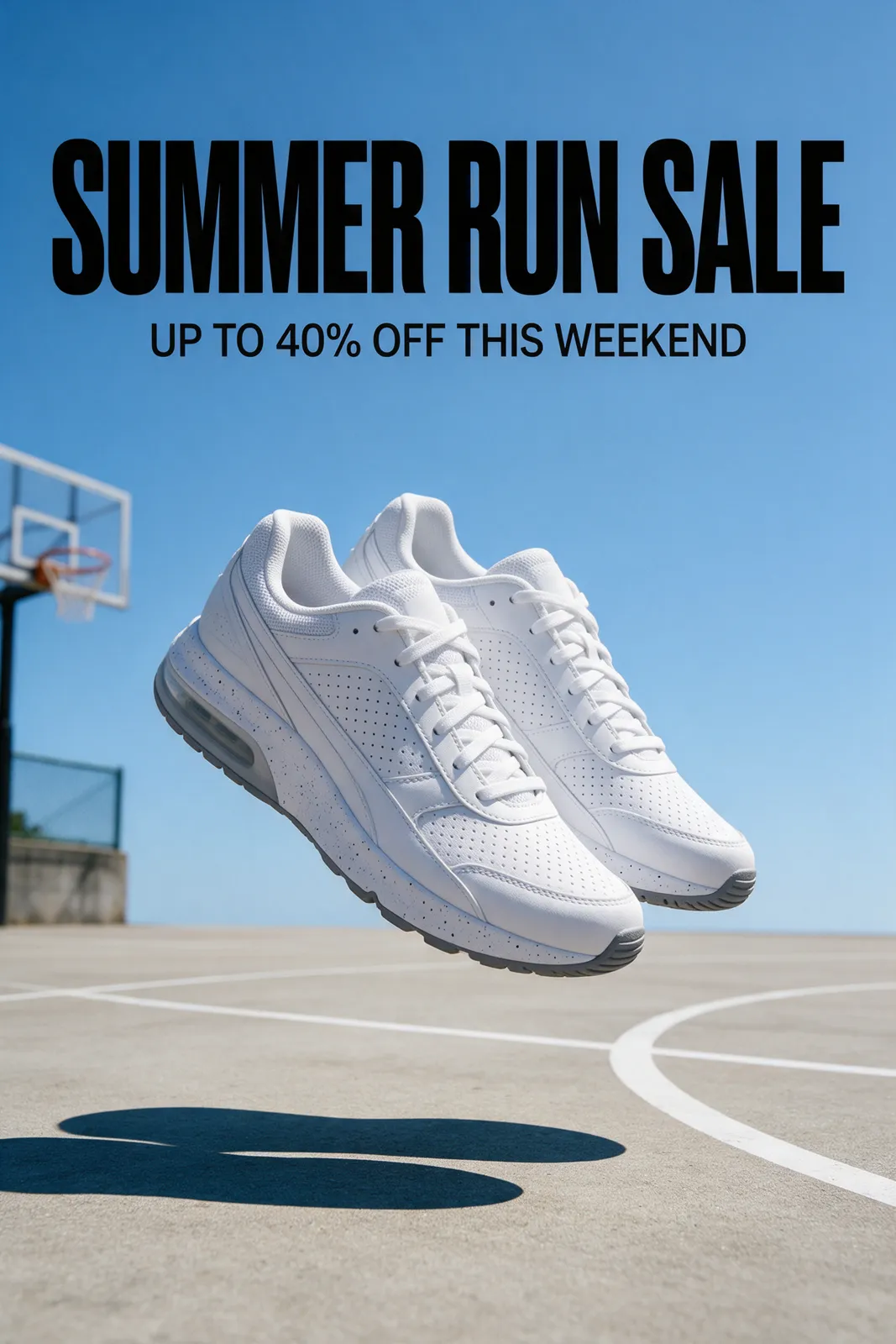
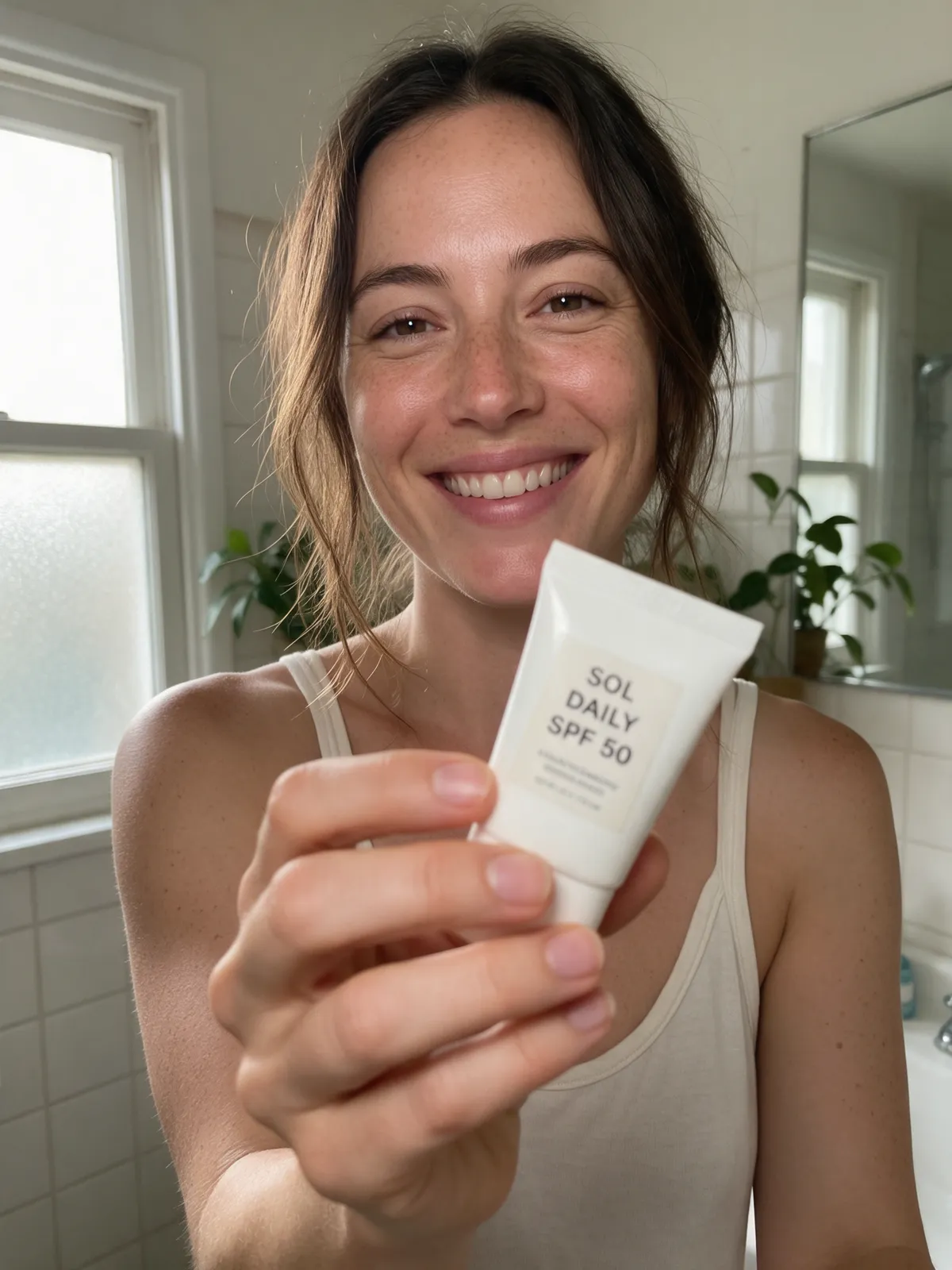
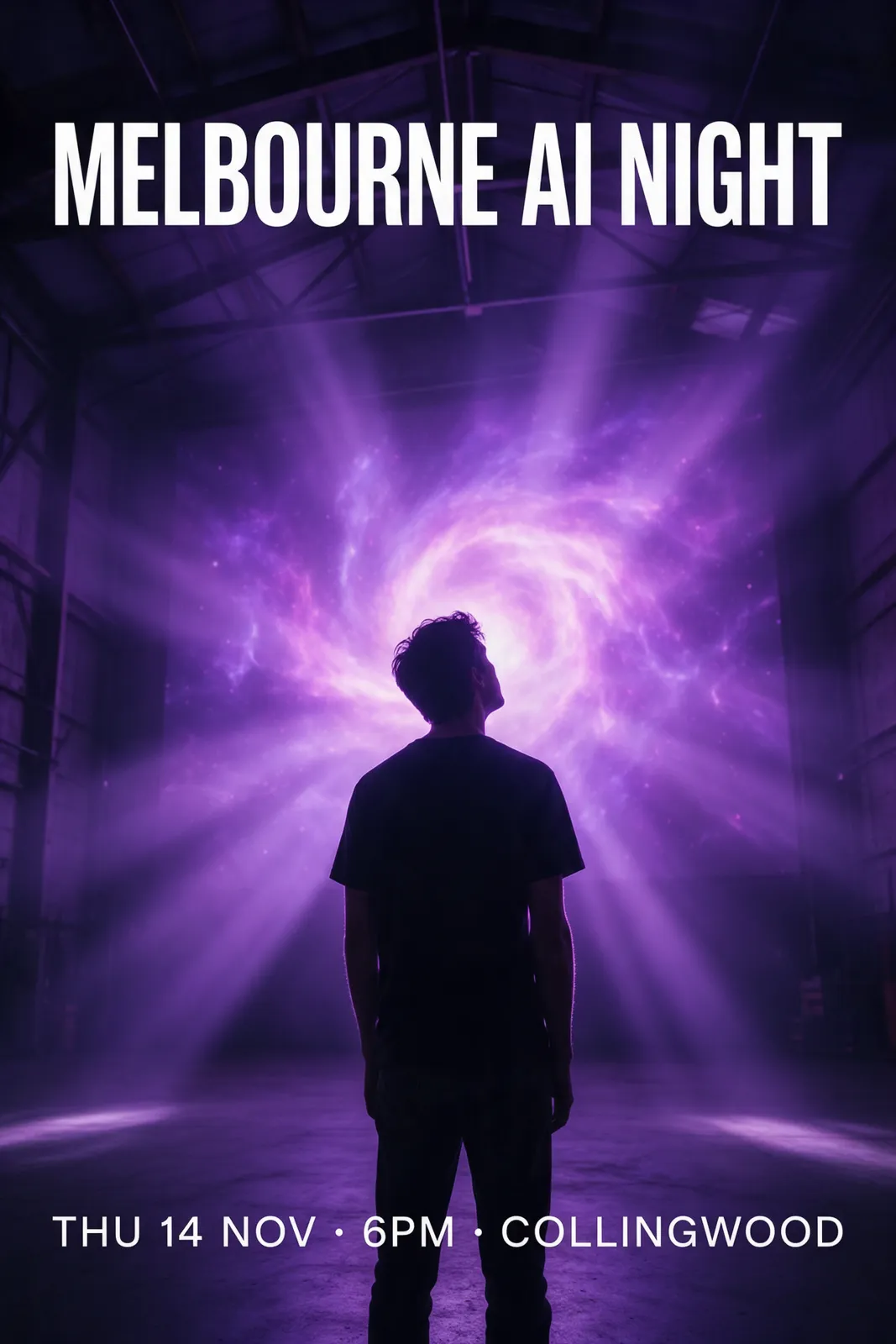
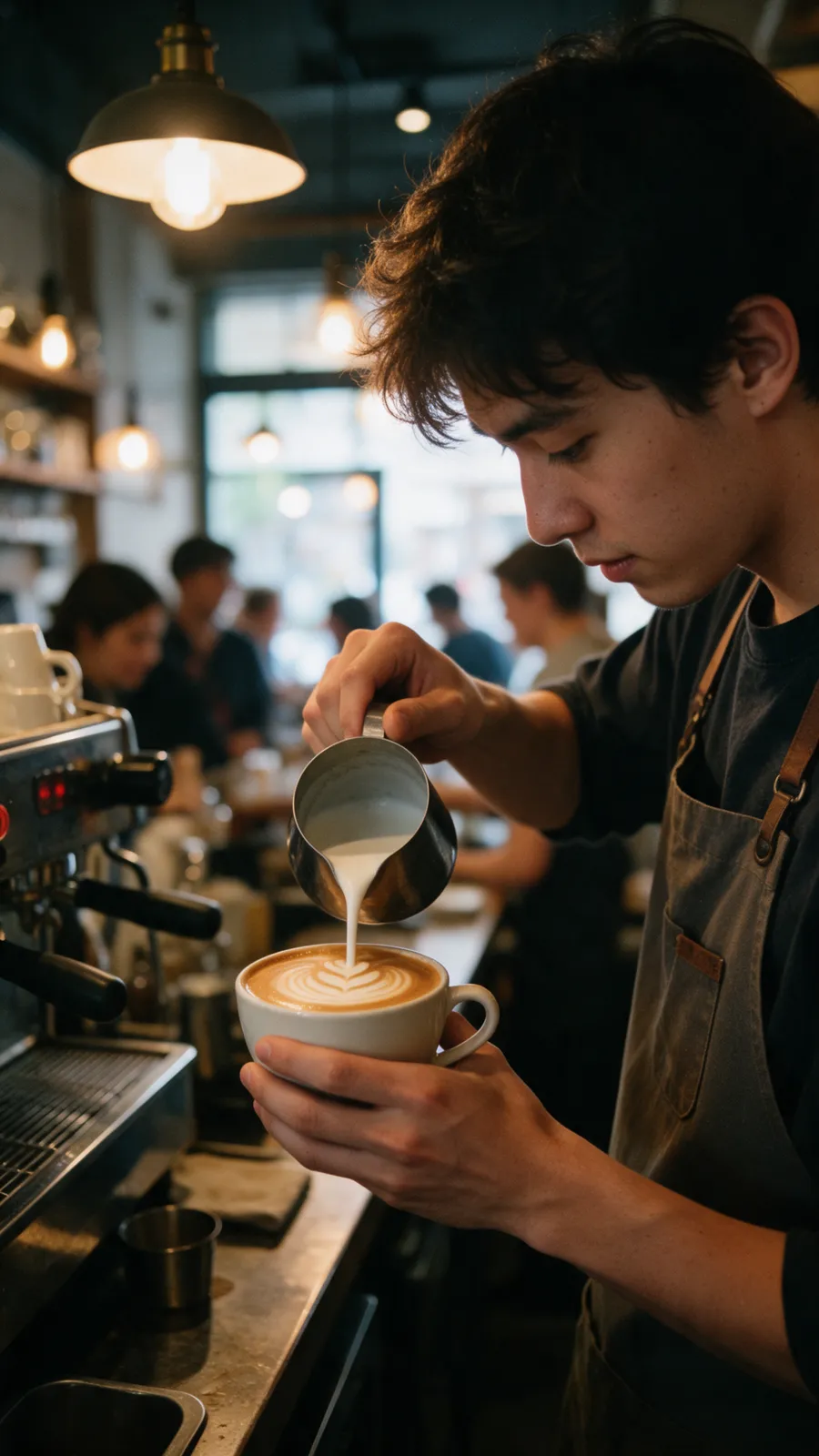
Every photo on this page is AI. No camera, no studio, no model fees. Here’s how to make yours look this real.
Get the free playbook
Not a photo.
Real or AI?
One selfie in.
A whole shoot out.
Left: a real photo of me. Right: the same face, made with one reference photo and the prompt in the playbook. Drag to compare.
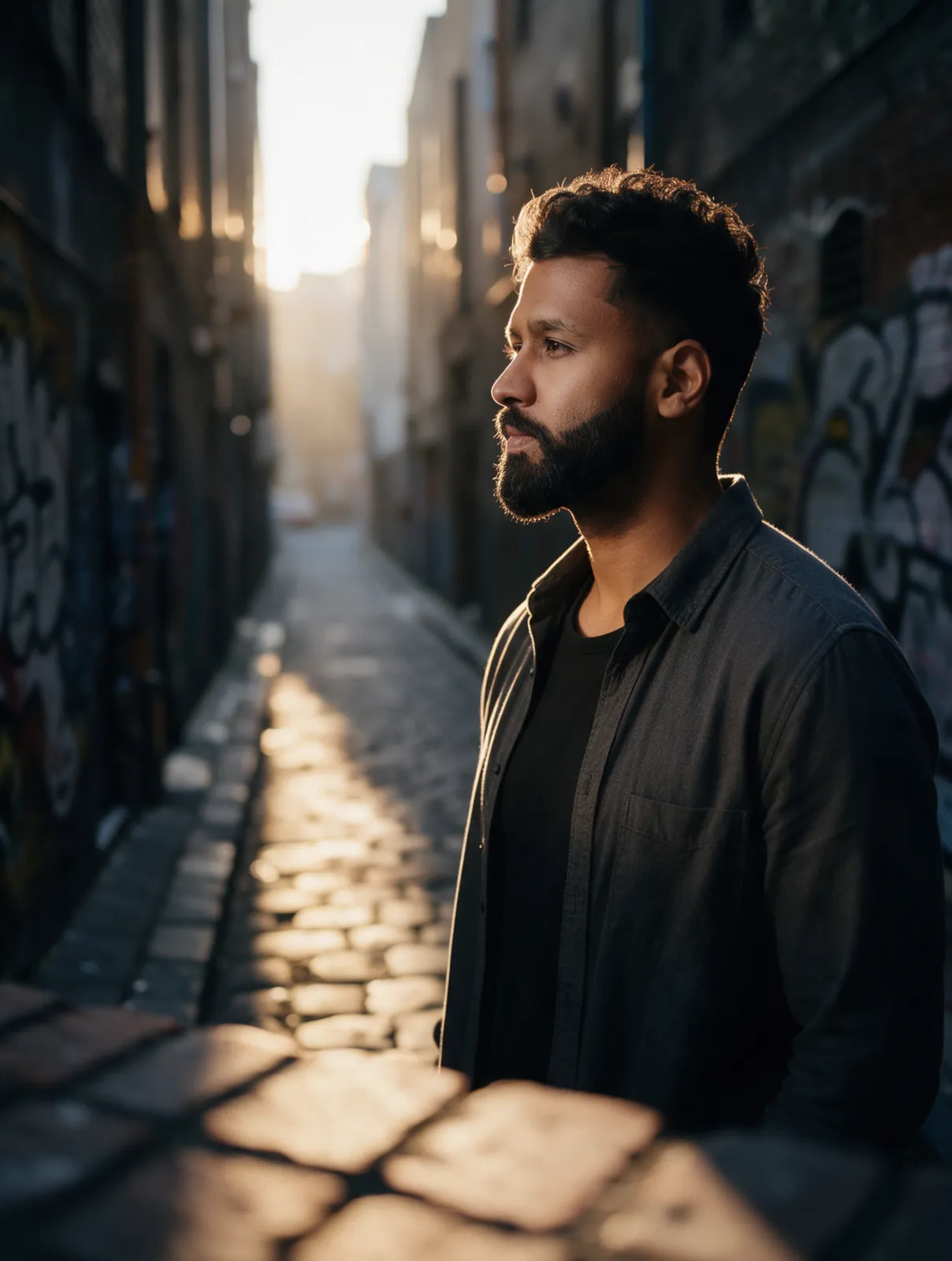
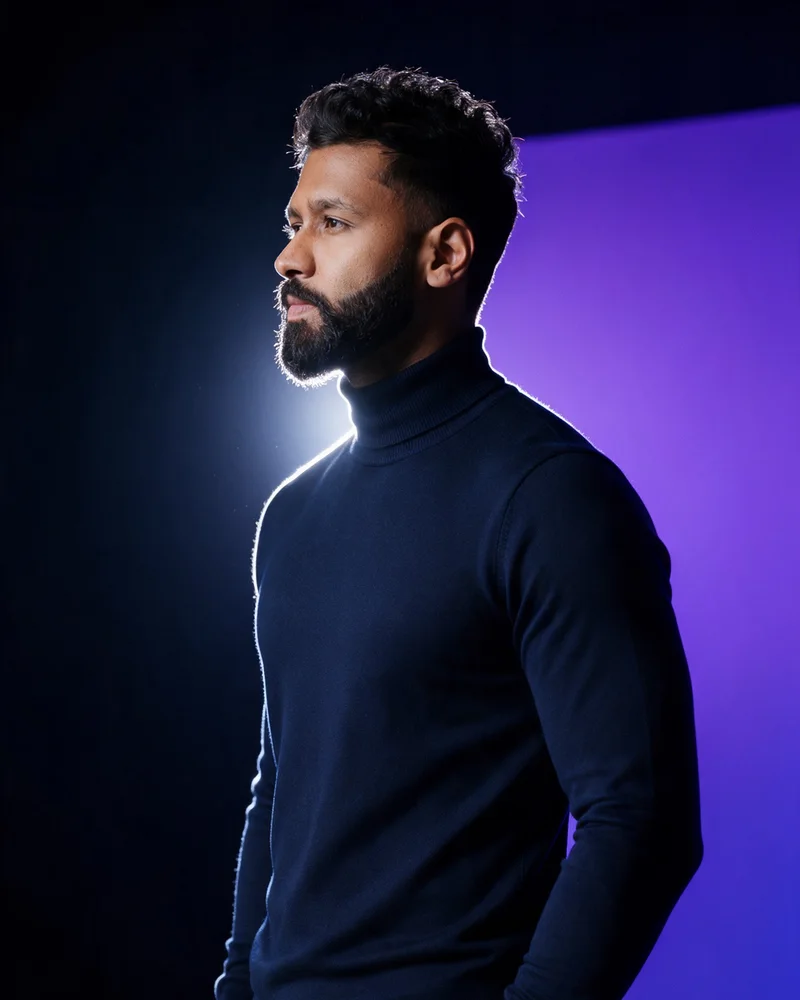 RealAI
Five jobs. Fifteen prompts.
Whatever you need to shoot.
Why yours look fake
Five rules that kill
the plastic look.
- Build three layers.Something close to the lens, your subject, a world behind.
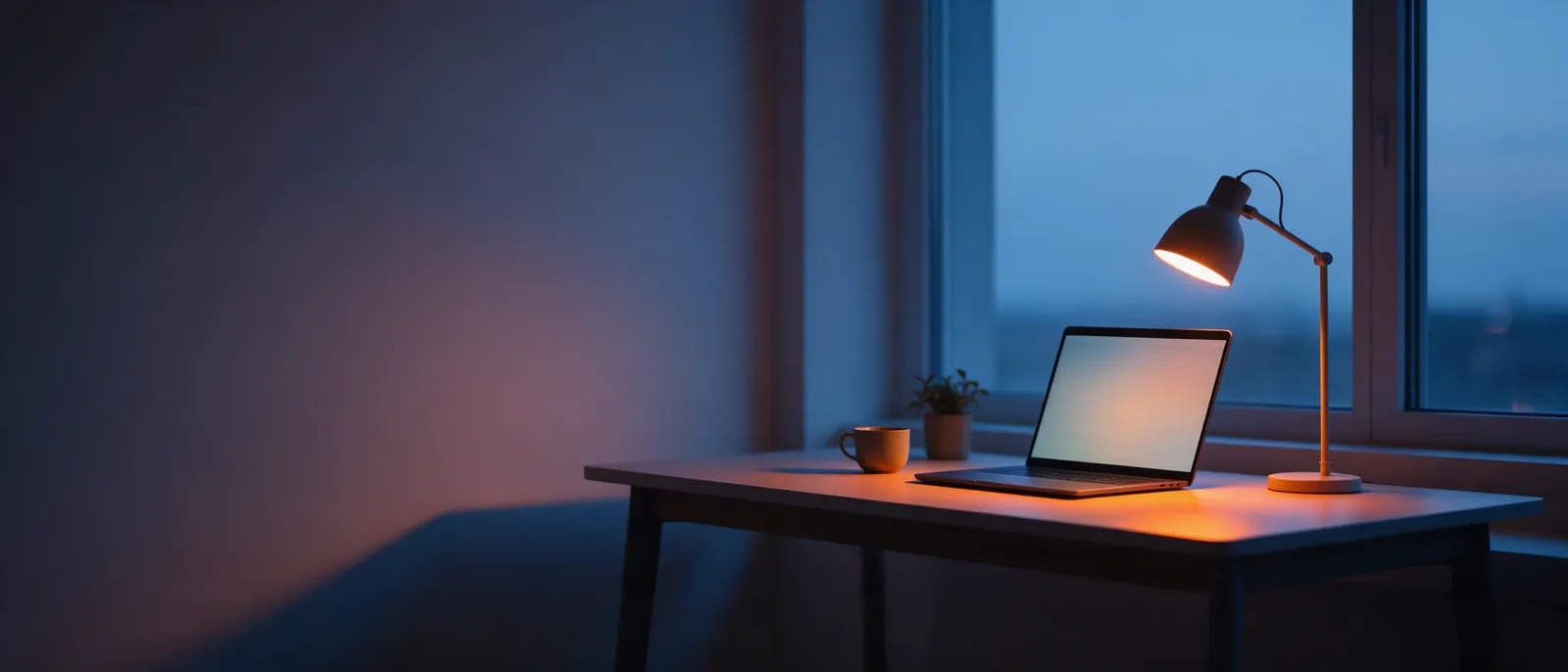
- Give the light a source.A window, the sun, a lamp. Then let the shadow side fall away.
- Talk like a camera.85mm at f/1.8 beats “cinematic, 8k” every time.
- Let materials react.Glass refracts. Skin has pores. Paper drinks the light.
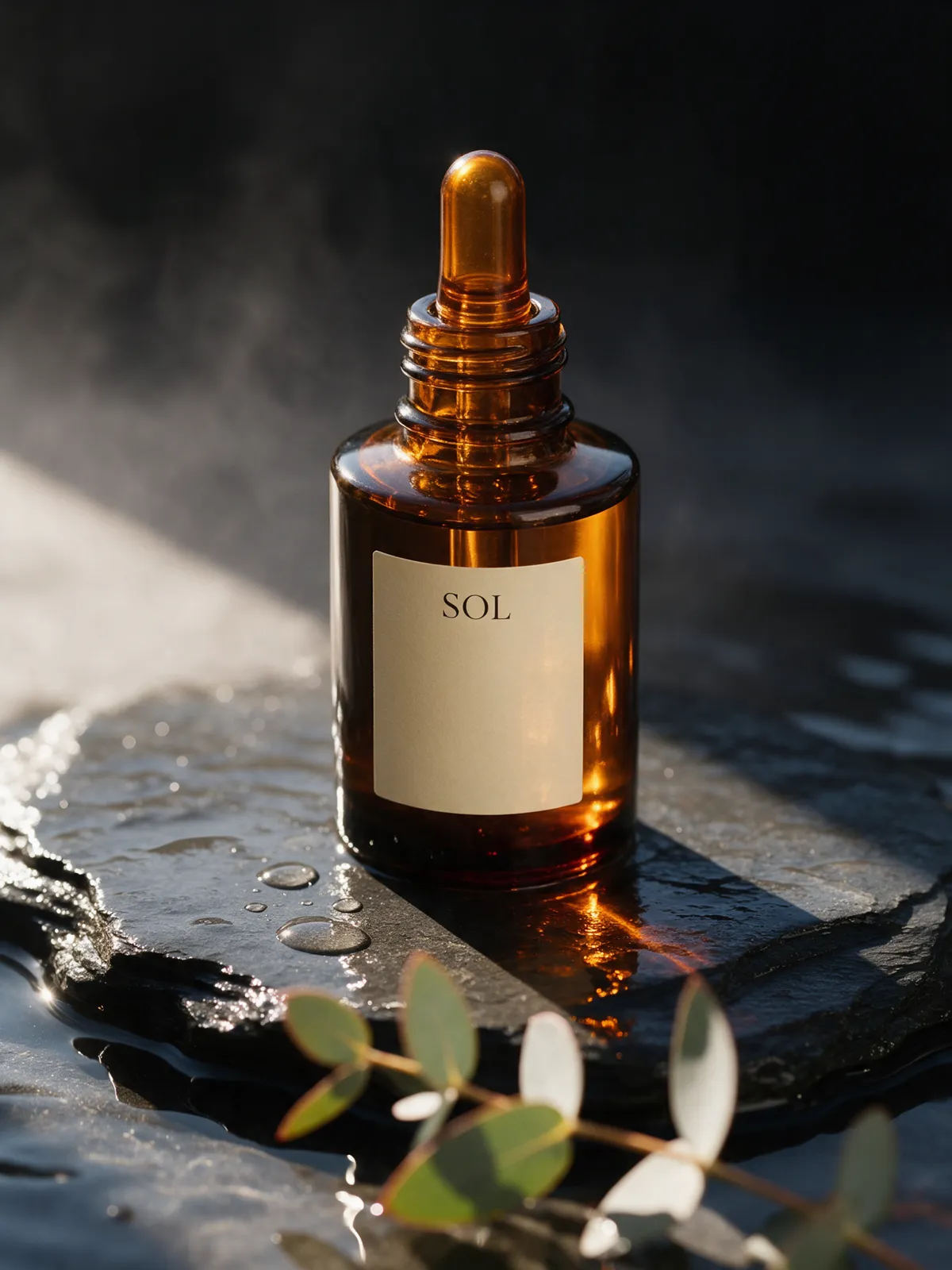
- Use references, not adjectives.Upload your face or product and write the label word for word.
Get the playbook.
Free PDF, straight to your inbox. Inside: the five rules, the prompt formula, 15 copy-ready prompts for you, products, banners, posters and social, and the 60-second realism check.
It’s on its way.
Your playbook is heading to your inbox as a PDF. It usually lands within a minute. If you can’t see it, check Promotions or Spam.
The library is now unlocked in this browser.
Questions people ask.
How do I make AI images look realistic?
Direct the photo instead of describing it: name a foreground, subject and background, give the light a real source and direction, pick a lens and aperture, and describe how materials react to light. Add “natural skin texture” and avoid words like “perfect” or “8k”.
Can I make AI photos of myself?
Yes. Upload a clear, front-lit photo to an image model that accepts references, tell it to keep the same face, hair and features, and change the outfit, place and light. The playbook has three ready prompts for portraits, speaker shots and candids.
Which AI model is best for product photos?
Use an image-editing model that accepts reference images, such as Nano Banana, Seedream or GPT image, so your real product and label stay accurate. Write the label text in quotes in the prompt.
Is the playbook really free?
Yes. Enter your details and the PDF lands in your inbox. You also get the Gen AI Library unlocked and a weekly email with new prompts, and you can leave whenever you like.