AI Search
Should you block GPTBot? The robots.txt mistake that hides you from AI answers 🚪
Blocking the wrong AI bot removes you from ChatGPT answers. Here's which crawlers to allow, which to block, and a free 10-second check.
Quick answer: AI companies run separate crawlers for training their models and for powering search answers. You can block the training bots (GPTBot, ClaudeBot) and still appear in AI answers, as long as you allow the search bots (OAI-SearchBot, Claude-SearchBot, PerplexityBot). Block the search bots by mistake and you disappear from those answers. Check your robots.txt for both groups.
Picture a business owner who read that AI is “scraping” their site. They add a blanket block for every AI bot they can find, then wonder six months later why ChatGPT never mentions them.
That’s not bad luck. It’s a robots.txt file doing exactly what it was told.
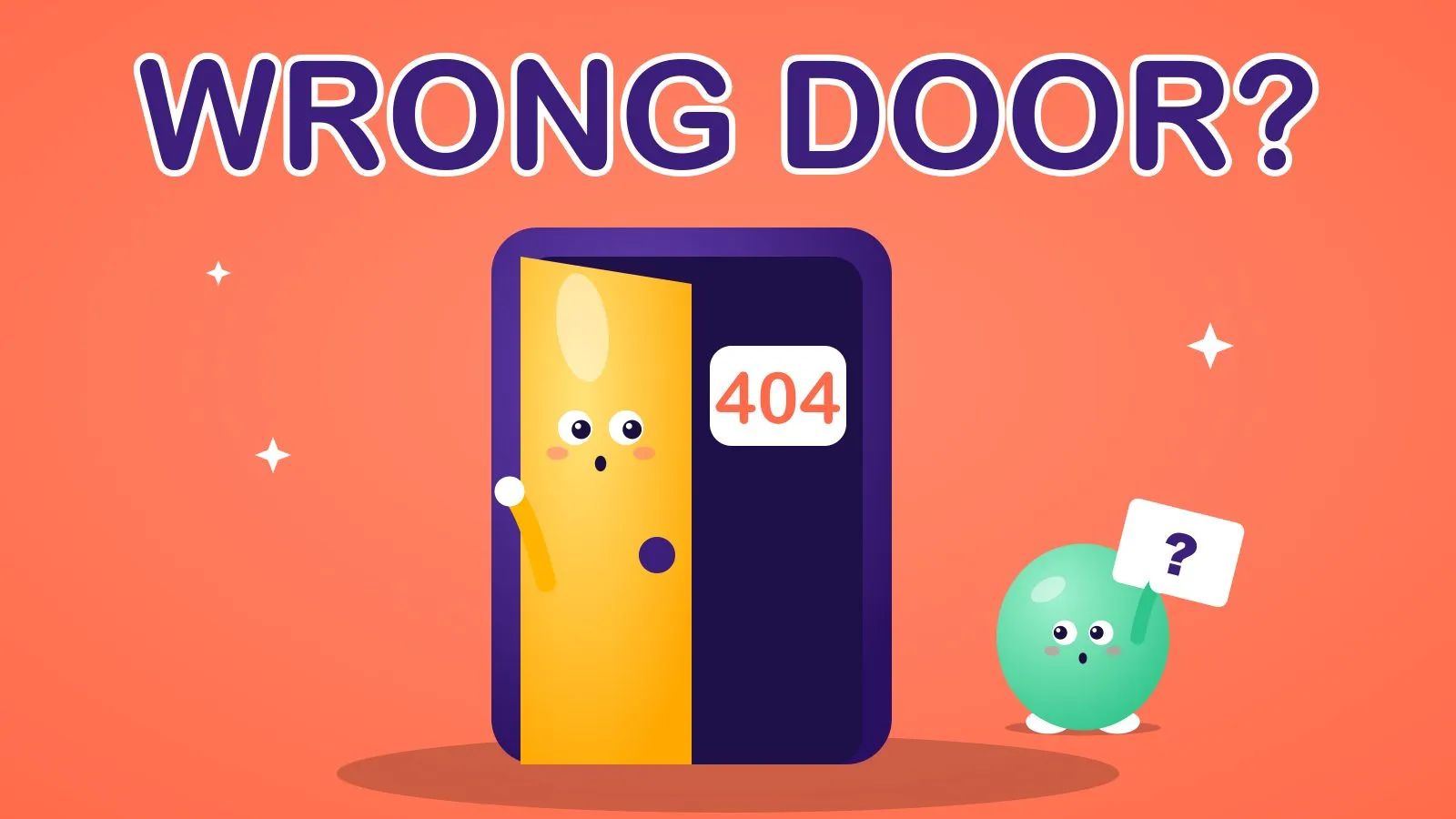
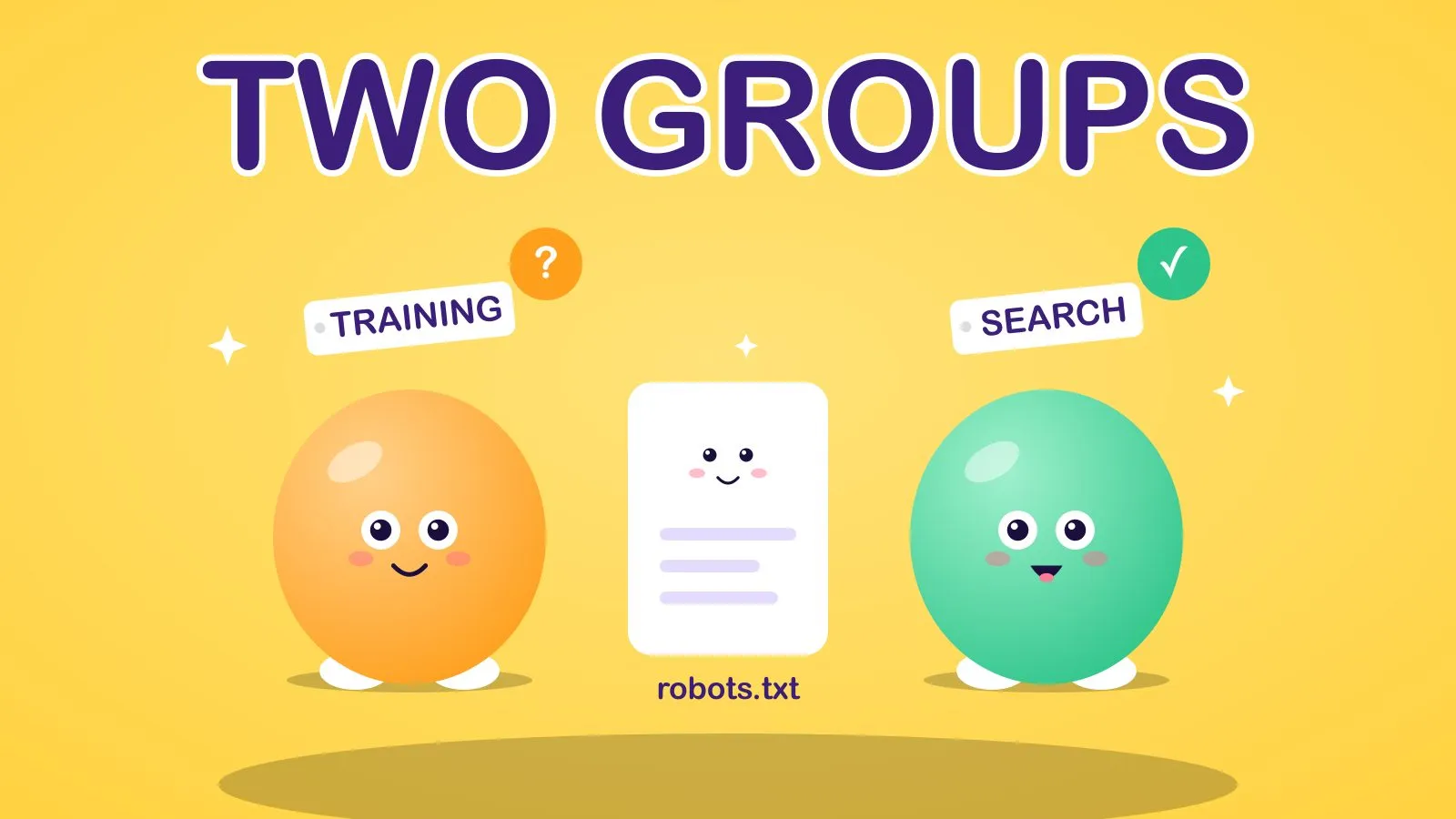 Same door, different visitors. Two of them are worth letting in.
The idea 💡
Treat AI crawlers as two groups, not one. Block or allow each group on purpose.
Why it works 🧠
The big AI companies publish this split themselves.
OpenAI lists three separate user agents. GPTBot is used for training its foundation models. OAI-SearchBot powers ChatGPT’s search features, and OpenAI says sites that disallow it will not be shown in ChatGPT search answers, though they can still appear as plain links. ChatGPT-User handles actions a person asks for, and OpenAI notes robots.txt rules may not apply to those.
Anthropic describes the same three-way split: ClaudeBot for collecting content that could contribute to training, Claude-SearchBot for improving search results, and Claude-User for when a person asks Claude about a page.
Perplexity’s documentation says PerplexityBot is for surfacing and linking sites in search results and is not used for training, and that Perplexity-User generally ignores robots.txt because a person requested the fetch.
So the choice isn’t “AI or no AI”. It’s three decisions: train on my content, show me in search answers, fetch my page when someone asks.
How to do it ✍️
- Decide your stance on training. If you don’t want your content used to train models, disallow GPTBot and ClaudeBot. That’s a legitimate choice and it doesn’t remove you from search answers.
- Allow the search bots. Make sure OAI-SearchBot, Claude-SearchBot and PerplexityBot aren’t disallowed, directly or by a blanket rule.
- Open your robots.txt at
yoursite.com/robots.txtand read it top to bottom. Look forUser-agent: *followed byDisallow: /. That blocks everything that doesn’t have its own group. - Check your host and CDN too. Some platforms block AI bots by default or offer a one-click “block AI crawlers” switch. A clean robots.txt doesn’t help if a firewall rule turns the bots away.
- Wait a day, then re-test. OpenAI says changes to OAI-SearchBot rules take about 24 hours to take effect.
Here’s a robots.txt that blocks training and allows search:
User-agent: GPTBot
Disallow: /

User-agent: ClaudeBot
Disallow: /

User-agent: OAI-SearchBot
Allow: /

User-agent: Claude-SearchBot
Allow: /

User-agent: PerplexityBot
Allow: /
Automate it ⚙️
This is a good job for a weekly check, so a well-meaning plugin or a new CDN setting can’t quietly undo your work.
I wrote a free command-line tool for it, aeo-audit. Run it on any page and it reports whether the AI search bots are blocked (a warning) separately from the training bots (just information), alongside basics like title, canonical and structured data.
npx github:MarketingOpswithSam/aeo-audit https://yoursite.comTo make it hands-off, run it on a schedule in an n8n automation: a weekly trigger, an Execute Command step running the tool with --json, an IF step that looks for any fail or warn, and a Slack or email message with the result. If you want an agent that also explains what to fix, that’s the kind of build my AI agents work covers.
This pairs with how to get cited by ChatGPT, which covers what to publish once the door is open, and how to measure your share of AI answers.
Quick wins to try 🧪
- 🔎 Read your robots.txt today. It takes one minute and most people have never looked.
- 🚦 Search for
Disallow: /. If it sits underUser-agent: *, find out why. - 🧱 Check your CDN’s AI-bot setting. It can override your file.
- 📅 Put a quarterly reminder in your calendar. Bot names change.
- 🧾 Keep a comment above each rule saying why it’s there.
- 🪪 Check your server logs for these user agents to see who’s actually visiting.
How to measure it 📊
- Bot hits: requests from the search bots in your server or CDN logs, week on week.
- Citations: whether your brand appears when you ask ChatGPT, Claude and Perplexity your key buyer questions.
- Referral traffic: visits from AI products in your analytics, bearing in mind it’s usually a small slice.
Frequently Asked Questions
Should I block GPTBot?
Block it if you don’t want your content used to train OpenAI’s models. It doesn’t control whether you appear in ChatGPT search, which is handled by a different crawler, OAI-SearchBot.
Will blocking AI crawlers hurt my Google rankings?
Google’s own crawler, Googlebot, is a different user agent from the AI bots above, so a rule for GPTBot or ClaudeBot doesn’t touch it. Check any blanket rules, though, because a User-agent: * block affects every bot without its own group.
Which AI crawlers should I allow?
If you want to appear in AI answers, allow OAI-SearchBot, Claude-SearchBot and PerplexityBot. Whether to allow the training bots is your call.
Do user-triggered bots follow robots.txt?
Not always. OpenAI says robots.txt rules may not apply to ChatGPT-User, and Perplexity says Perplexity-User generally ignores them, because a person asked for the page.
Open the door on purpose, not by accident.
Sam
If you want this built for you, book a call.