Marketing Operations
The UTM naming rule that stops your GA4 report lying 🏷️
LinkedIn, linkedin and Linkedin are three rows in your report. Here's a UTM naming convention that fixes it, plus a free tool that enforces it.
Quick answer: a UTM naming convention is a short set of rules for utm_source, utm_medium and utm_campaign so every link follows the same pattern. Use lowercase only, hyphens instead of spaces, and a fixed list of mediums that match GA4’s channel rules. Enforce it when the link is built, not when you open the report and find the mess.
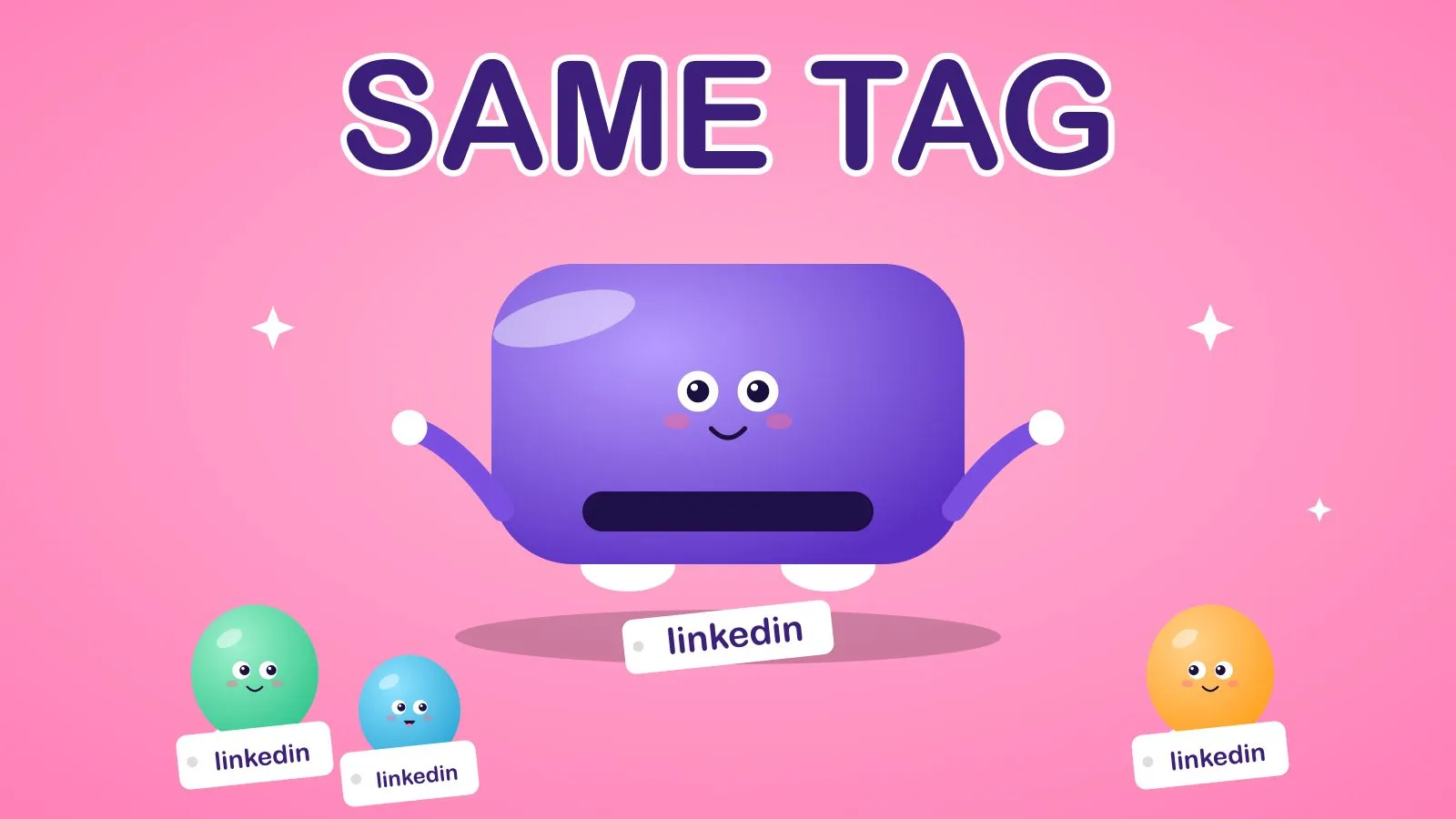
Imagine a team running one LinkedIn campaign. Three people tag their links. One writes LinkedIn, one writes linkedin, one writes Linkedin. At the end of the month the report has three rows for what the team thinks of as one channel, and nobody is sure which number to quote.
Nothing is broken. The report is just reading what it was given.
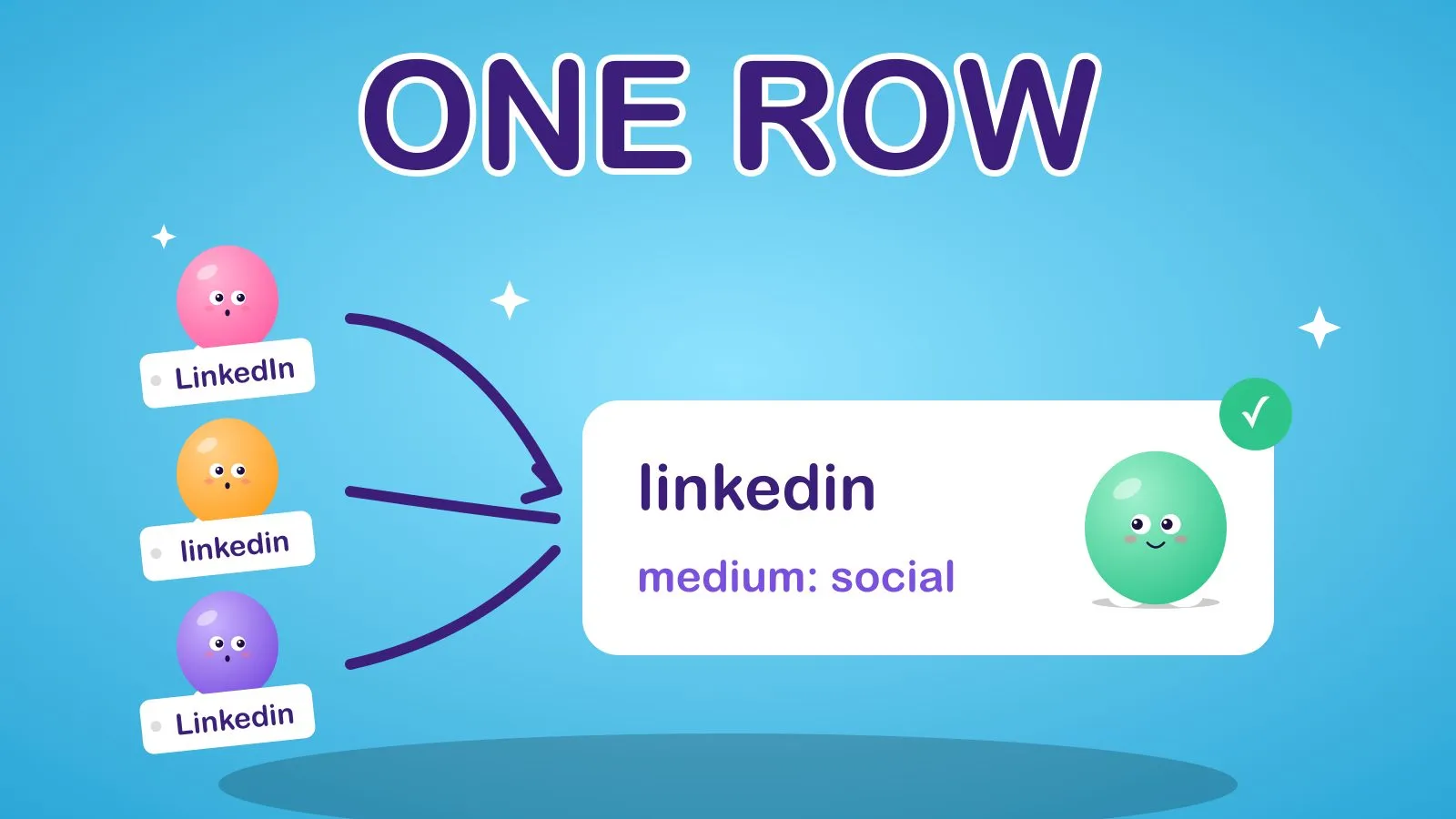 Three spellings, three rows. One rule, one row.
The idea 💡
Don’t clean up UTM tags in the report. Make it impossible to create a bad one.
Why it works 🧠
Google’s own documentation is blunt about the first problem. In its GA4 guidance on campaign URLs, Google says parameter values are case sensitive, so utm_source=google and utm_source=Google count as different values, and recommends lowercase as standard practice. It also says to always use utm_source, utm_medium and utm_campaign.
The second problem is channel grouping. GA4 sorts traffic into channels with default rules. For example, Email matches when the source or the medium is email (or a few close variants). Organic Social matches mediums such as social or social-media. Paid Social needs a social source plus a medium that matches cp-style or paid patterns, such as cpc, ppc or anything starting with paid. Traffic that matches no rule lands in Unassigned.
So a medium of newsletter or linkedin-post feels descriptive, but it doesn’t match any of those rules. The click is real and the channel report doesn’t know where to put it.
How to do it ✍️
- Pick a short, fixed list of mediums that line up with GA4’s rules:
email,social,paid-social,cpc,organic,referral,affiliate,display,sms,qr,partner. Keep it short. Every extra value is another row. - Make
utm_sourcethe specific place.linkedin,newsletter,google. Lowercase, hyphens only. - Name campaigns as
year-month-name. For example2026-10-launch. It sorts itself and tells you the date at a glance. - Use
utm_contentfor the variant (carousel-a,video-short) andutm_termonly for paid keywords. - Never put UTMs on your own internal links. They start a new session and overwrite where the visitor really came from.
- Build links from one place. A shared sheet, a form, or a script. Not by hand in each person’s head.
Automate it ⚙️
Rules people have to remember get broken. Rules a tool enforces don’t.
I wrote a small free tool for this: utm-toolkit. It builds a link to the convention above, lowercasing and hyphenating what you give it, and refuses to print a link that still breaks a rule.
npx github:MarketingOpswithSam/utm-toolkit build \
  --url https://example.com/offer \
  --source linkedin --medium social --campaign 2026-10-launch
It also audits links someone else made:
npx github:MarketingOpswithSam/utm-toolkit check "https://example.com/?utm_source=LinkedIn&utm_medium=Social%20Media"To make it part of the process, wire the check command into an n8n automation: when a new row lands in your campaign sheet, run the check, and if it fails, message the owner with the problem. If you’d like a version that fixes the sheet for you, that’s the sort of build my AI agents work covers.
It fits alongside a lead scoring model, because scoring on a bad source field is scoring on noise.
Quick wins to try 🧪
- 📋 Export last quarter’s sources and mediums. Count the spelling variants. The number will surprise you.
- 🔤 Lowercase everything from today. The cheapest fix on this list.
- 🚫 Delete
newsletteras a medium. Useemailas the medium andnewsletteras the source. - 📅 Add the date to every campaign name.
- 🧾 Keep one tab of approved values and lock it.
- 🔗 Audit your five most-shared links for stray capitals and spaces.
How to measure it 📊
- Unassigned share: the percentage of sessions in GA4’s Unassigned channel. It should fall.
- Distinct source and medium values: how many unique values you have per month. Fewer is better.
- Time to a trustworthy campaign report: minutes spent cleaning before you can quote a number.
Frequently Asked Questions
Are UTM parameters case sensitive in GA4?
Yes. Google’s documentation says parameter values are case sensitive, so Email and email are different values and appear as separate rows. Use lowercase as a standard.
What is a good UTM naming convention?
Use lowercase letters, numbers and hyphens, a fixed list of mediums that match GA4’s channel rules, and campaign names in a year-month-name pattern. Keep the list of mediums short.
Which UTM parameters are required?
Google says to always use utm_source, utm_medium and utm_campaign. Add utm_content to tell variants apart and utm_term for paid keywords.
Why is my traffic in the Unassigned channel in GA4?
GA4 sorts traffic using default channel rules based on source and medium. If your medium doesn’t match any rule, the traffic is reported as Unassigned. Fix it by using mediums such as email, social or cpc.
Tidy tags, trustworthy numbers.
Sam
If you want this built for you, book a call.