Marketing Operations
Your CRM is filling up with fake leads (here's the filter) 🦆
Bots and AI-written form fills are padding your lead numbers. Here's a three-layer filter that screens them out before sales ever sees them.
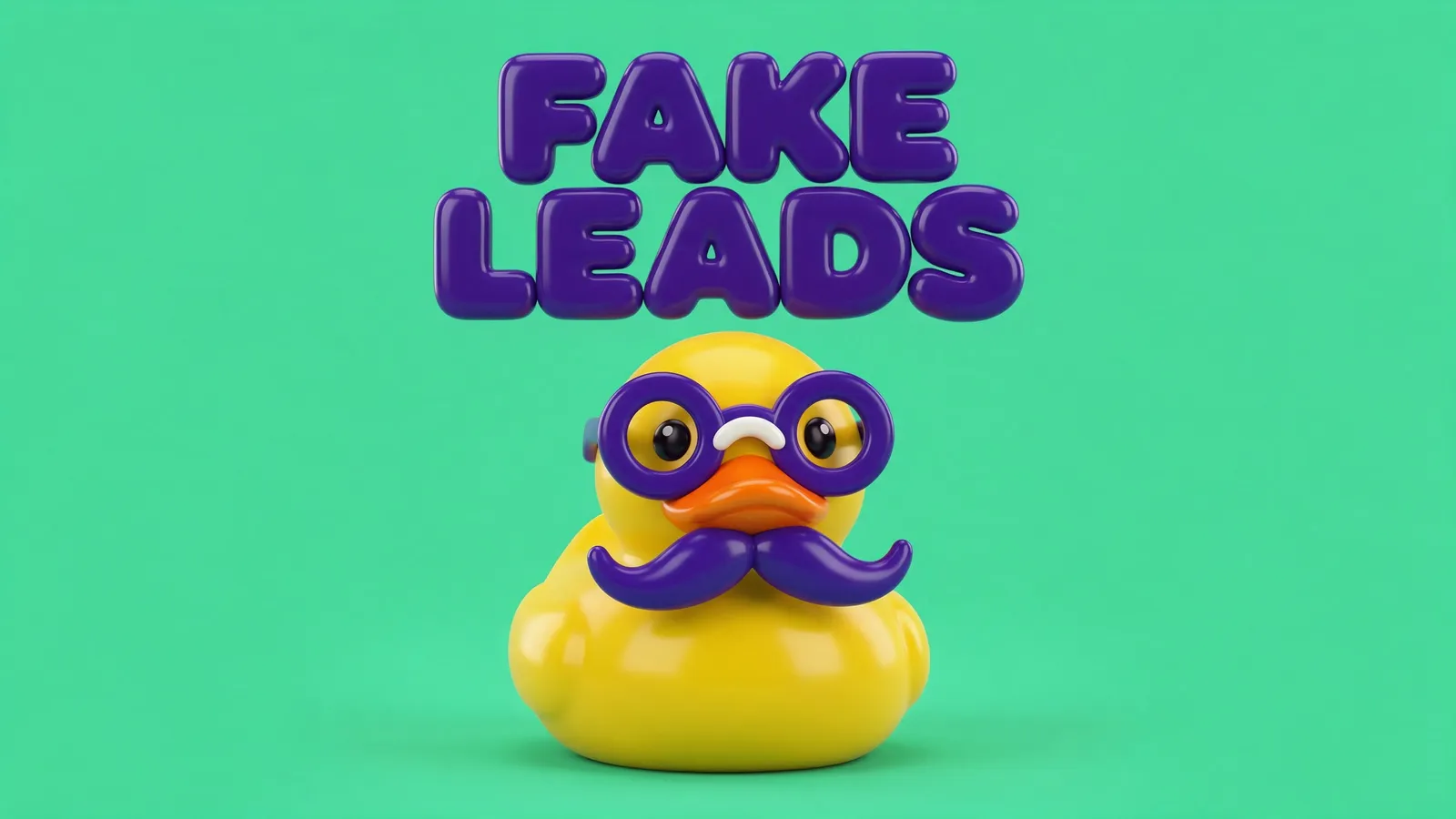
Quick answer: to stop fake leads in your CRM, screen every form fill in three layers before it becomes a contact. First, block the obvious junk at the form (CAPTCHA, a hidden honeypot field, disposable email domains). Second, have an AI step score what’s left for gibberish, mismatched details and bot-like patterns. Third, send only the clean leads to your reps and park the doubtful ones in a review list.
Picture a Monday report that says form fills are up 40%. The team celebrates. Then sales calls the new leads and half the numbers are dead, the names are keyboard mash, and one “VP of Marketing” has the email address of a throwaway inbox.
That’s not growth. That’s noise with a contact record.
The problem is big enough that the industry is talking about it openly. On a podcast episode published on 31 August 2026, the CEO of ad fraud firm Anura said the lead generation industry has fraud levels of up to 40%. That is a vendor’s claim about a market that includes bought leads, so I wouldn’t assume your own forms look like that. But you should know your own number, and most teams have never measured it.
The idea 💡
Put a screening step between your forms and your CRM, so a lead has to look like a person before it gets a contact record, a score or a rep’s attention.
Why it works 🧠
Most CRMs accept whatever the form sends. Every junk record then costs you three times: it skews your reports, it can trigger emails and scoring, and it wastes a rep’s call.
HubSpot documents several defences in its own guide to preventing spam form submissions: invisible reCAPTCHA, gibberish detection on form fields, blocking specific email domains (including free providers), and excluding IP addresses or referrers. Each one catches a different kind of junk. None catches everything alone, which is why I stack them.
The newer problem is that AI can write a plausible name, job title and message. A single rule like “block free email addresses” won’t stop it. A second look at the whole submission, which is what an AI step does well, will catch more.
How to do it ✍️
- Measure first. Export the last 90 days of form fills. Count how many have gibberish names, throwaway email domains, or no activity at all after the form. That’s your baseline.
- Add the cheap blocks at the form. Turn on CAPTCHA. Add a hidden honeypot field that real people never see, and treat any submission that fills it as spam. Block disposable email domains you’ve seen in your own data.
- Add a screening step before the CRM. Every submission goes to a small workflow that decides: clean, doubtful or junk.
- Route by the verdict. Clean goes straight in and triggers your normal follow-up. Doubtful goes into a “needs review” list and gets no emails. Junk is logged and dropped.
- Review the doubtful list weekly for ten minutes. Move real people across, and add any new junk pattern to your block list.
 The filter catches the junk and lets the real leads through.
Automate it ⚙️
This is a good job for n8n, and it works the same way with a HubSpot workflow if you’d rather stay inside the CRM.
- Trigger: a webhook receives every form submission instead of the form writing straight to the CRM.
- Hard rules: drop it if the honeypot is filled, the email domain is on your disposable list, or the same IP has sent more than a few forms in an hour.
- AI check: send the remaining fields to an AI model with the prompt below. It returns a verdict and a reason.
- Route: clean creates the contact and starts the follow-up. Doubtful creates the contact with a “needs review” status and no automations. Junk gets logged in a sheet.
- Alert: post the doubtful ones to Slack once a day so a human takes a quick look.
Use this prompt in the AI step:
You screen form submissions for a B2B company before they enter the CRM.
Read the fields below and decide: CLEAN, DOUBTFUL or JUNK.

Look for: gibberish or keyboard-mash names, a name that doesn't match the email,
a job title that doesn't fit the company, a message that is generic or
unrelated to what we sell, impossible phone numbers, repeated patterns.

Do not guess about people. If you can't tell, answer DOUBTFUL.
Return JSON only: {"verdict": "...", "reason": "one short sentence"}

Submission:
Name: {{name}}
Email: {{email}}
Company: {{company}}
Job title: {{job_title}}
Message: {{message}}
The “if you can’t tell, answer DOUBTFUL” line matters. A real buyer wrongly dropped costs more than a junk lead wrongly kept, so the AI never gets the power to delete on a hunch. Only your hard rules drop things.
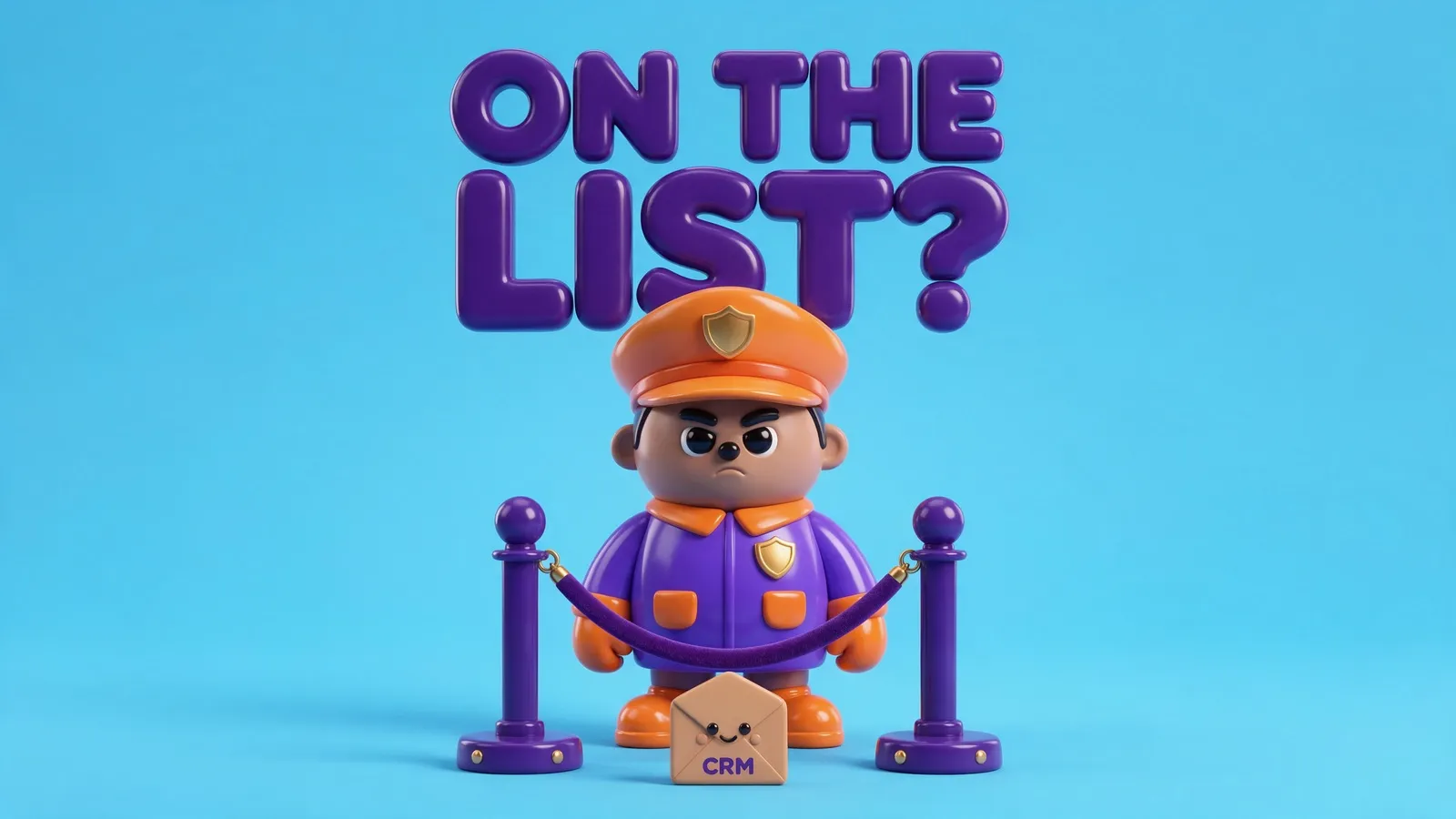 Nothing gets a contact record until it passes the door.
This pairs well with lead scoring, because a clean lead list makes every score more honest. And once your leads are real, the next job is to reach them fast. If you’d like the screening built into your own stack, that sits in my AI agent work.
Quick wins to try 🧪
- 🍯 Add a hidden honeypot field to your most-spammed form today.
- 📉 Compare form fills to booked calls by source. A source with lots of fills and no calls is suspicious.
- 📧 List the 10 throwaway email domains in your own data and block them.
- 🔎 Sort contacts by “created” and scan the last 50 by eye. You’ll spot the pattern in a minute.
- 🕒 Check the time between page load and submit. A form sent in under two seconds is rarely a person.
- 🧹 Stop adding unreviewed contacts to your email list. Junk addresses hurt your sender reputation.
How to measure it 📊
- Junk rate: the share of form fills marked junk or doubtful, tracked weekly. It should fall as your blocks improve.
- Lead-to-call rate: booked calls divided by form fills. It should rise as the junk leaves.
- Rep time saved: calls made to dead or fake leads, before and after.
Frequently Asked Questions
How do I stop fake leads in my CRM?
Screen submissions before they become contacts. Use CAPTCHA, a honeypot field and a blocklist of disposable email domains at the form, then an AI check for gibberish and mismatched details, and send only clean leads to sales.
How can I tell if a lead is fake?
Look for keyboard-mash names, an email that doesn’t match the name, a job title that doesn’t fit the company, a generic message, and a form completed in a couple of seconds. Fake leads also tend to show no activity at all after the form.
Does HubSpot have built-in spam protection for forms?
Yes. HubSpot documents invisible reCAPTCHA, gibberish detection, email domain blocking and IP or referrer exclusion. Some of these depend on your plan, so check the HubSpot guide for your tier.
Will a screening step block real leads?
It can if you let it delete on a guess. Keep hard drops for clear rules like a filled honeypot, and send anything unclear to a review list instead.
Count your junk first, then build the door. The numbers on your next report will finally mean something.
Sam
If you want this built for you, book a call.
Keep reading: Once the fakes are out, the next step is knowing the real ones: research every new lead automatically before sales opens the record.