Marketing Ops
The welcome email that gets replies (ask one question) 👋
Turn the first email in your welcome email sequence into a two-way conversation with one question, then let the answers route each new subscriber to the right next email.
Quick answer: The best first email in a welcome email sequence asks the new subscriber one easy question, like “What’s the one thing you’re stuck on right now?”, with three clickable answers and an invitation to hit reply. Each click or reply tags the contact in your CRM, and the rest of the sequence branches on that answer. You get replies, cleaner data and emails people actually want, from one extra line.
This month Gmail’s AI Inbox started reaching paid Google Workspace accounts. Google’s rollout notice says Rapid Release domains got it from 12 October and Scheduled Release domains from 26 October. That’s a lot of B2B inboxes.
Here’s the part marketers should read twice. In the original announcement, Google says AI Inbox works out your VIPs from signals like the people you email often and the people in your contacts list.
So the inbox now cares who you talk to. Most welcome emails don’t talk. They broadcast: logo, hero image, three links, a big button. Nothing to answer.
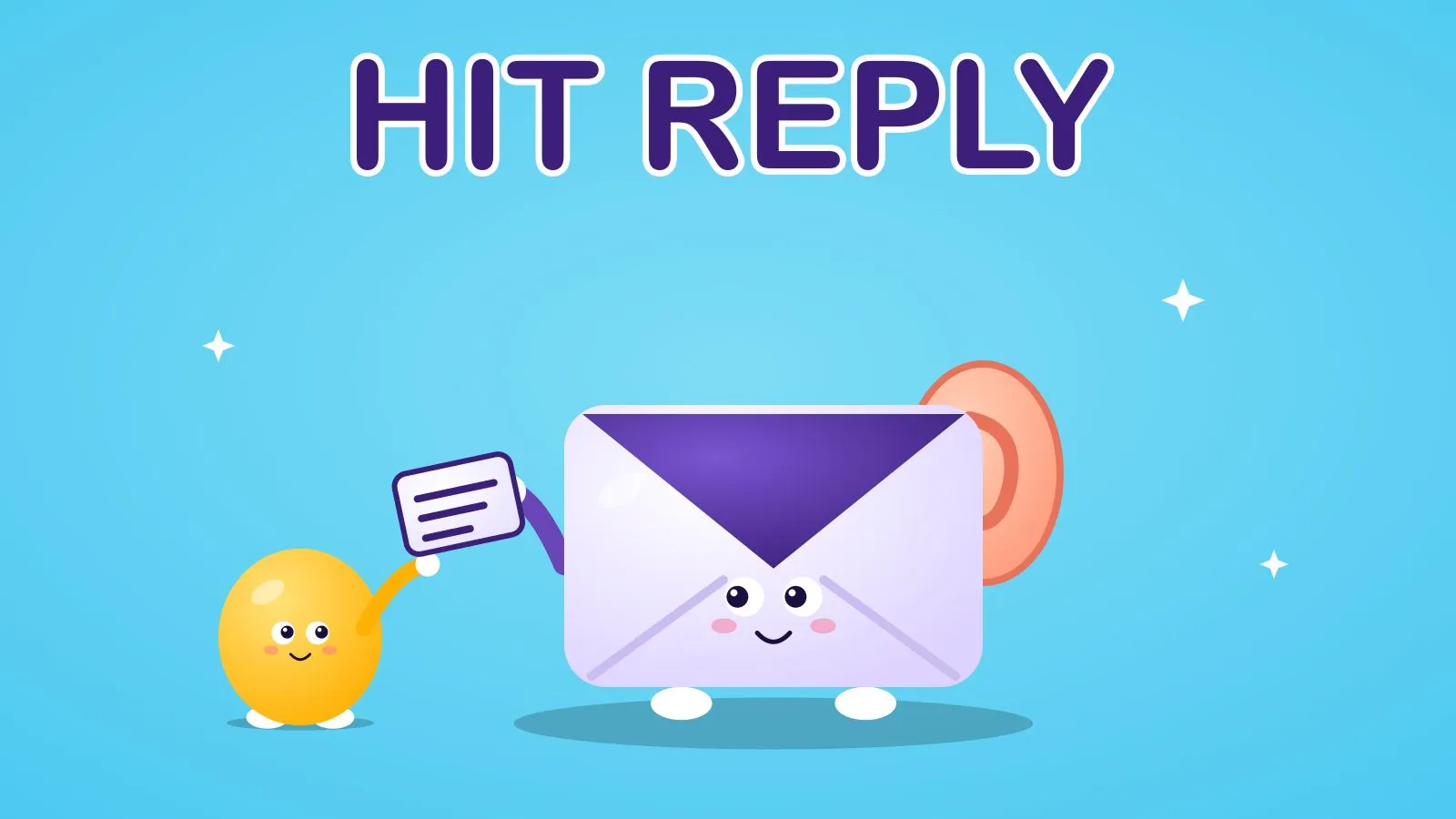 A welcome email that asks gets an answer. One that broadcasts gets skimmed.
The idea 💡
Make your first welcome email ask one question, then let the answer pick the next email.
Why it works 🧠
The welcome email is the most-read email you will ever send that person. GetResponse looked at more than 4.4 billion messages sent in 2023 and found welcome emails averaged an 83.63% open rate and a 16.60% click-through rate. Newsletters got 40.08% and 3.84%. GetResponse itself warns that opens are less reliable since Apple’s Mail Privacy Protection, so lean on the click gap: more than four times higher.
That attention is wasted on a brochure. Spend it on a question.
The answer is the real prize. Once you know what someone wants, you can send them the right thing. When Mailchimp compared about 11,000 segmented campaigns with non-segmented ones, segmented sends got 100.95% more clicks and 9.37% fewer unsubscribes. That study is from 2017, but the logic hasn’t aged: relevant beats generic.
And a reply is a conversation, which is exactly the kind of signal Google says AI Inbox reads.
How to build a welcome email sequence that asks one question ✍️
- Pick the one question that changes what you send next. Not “tell me about yourself”. Something with three or four clear answers that map to your content or services. “What’s slowing your leads down most?” works. “How are you?” doesn’t.
- Put it near the top, not in the P.S. Two short lines of welcome, then the question. If it sits under three cards and a button, nobody sees it.
- Give one-click answers plus a reply option. Three links, each one an answer. Then “or hit reply and tell me in your own words.” Clicks are easy; replies are gold.
- Promise something back. “I’ll send you the guide that fits.” People answer when they can see what’s in it for them.
- Write emails 2 and 3 for each answer. Short ones. One idea, one link. Everyone who doesn’t answer gets a sensible default track.
Copy this:
Subject: Quick question before I send anything else

Hi {first_name},

Thanks for joining. Before the first proper email, one question
so I only send you useful stuff:

What's slowing your leads down most right now?

→ Nobody replies fast enough   [link: ?answer=speed]
→ Too many junk leads          [link: ?answer=quality]
→ Our CRM is a mess            [link: ?answer=crm]

Or just hit reply and tell me in a sentence. I read every one.

{your name}
If you’re new to this, set up your sending domain properly first. A two-way email is wasted if it lands in spam, so do the 10-minute DMARC setup before you launch.
Automate it ⚙️
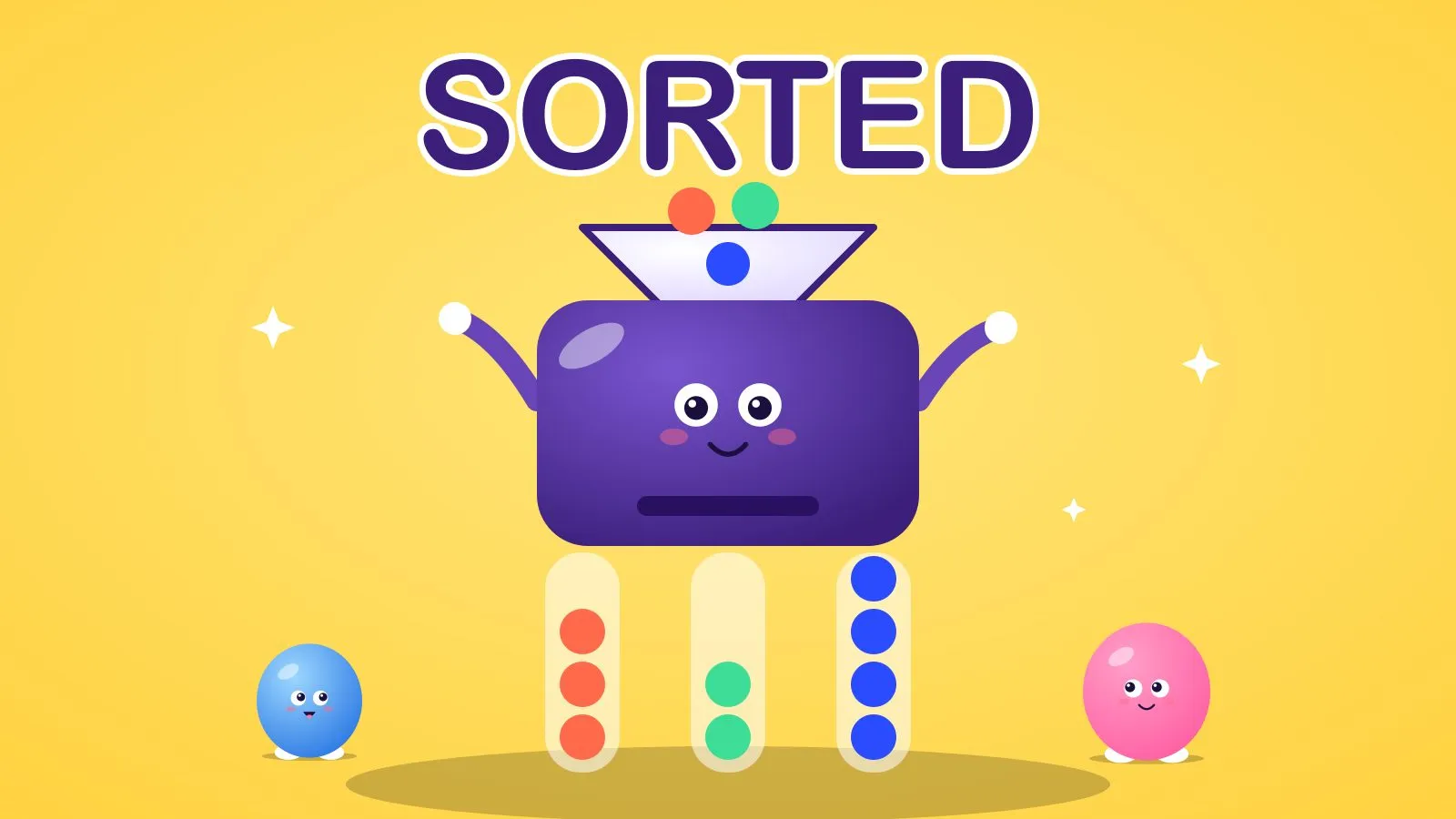 Every answer drops into its own track. Nobody sorts anything by hand.
The clicks are the easy half. In HubSpot, the email editor’s Automate tab has a simple workflow trigger for “Contact clicked a link in email” (HubSpot’s guide). Marketo, Salesforce and Dynamics 365 have the same idea under different names.
- Create one CRM field, for example
Welcome answer, with your three options plus “Replied” and “No answer”. - One trigger per answer link. Clicked “speed” sets the field to Speed, and so on. Then enrol the contact in that track.
- Route replies to a real inbox, not a no-reply address. Set the reply-to to a monitored mailbox.
- Let an AI agent read the replies. It classifies each reply into one of your answers, writes a one-line summary to the contact record, and drafts a personal response for you to check and send. You stay the one who replies.
- Default track after three days. No click, no reply? They get your best general email, and the question again, worded differently, in email 3.
Here’s the prompt for the reply agent:
You read replies to our welcome email. The question was:
"What's slowing your leads down most right now?"

For each reply:
1. Classify it as exactly one of: speed, quality, crm, other.
2. Write a one-line summary in plain English (max 20 words).
3. Flag "hot" if they mention a deadline, budget or wanting to talk.
4. Draft a 3-4 sentence reply in a friendly, first-person voice that
   answers what they said and links the matching guide:
   speed → /blog/lead-qualification-speed-to-lead
   quality → /blog/fake-leads-crm-filter
   crm → /services/crm-migration
Never promise prices or dates. Return JSON with keys:
category, summary, hot, draft_reply.
If you’d like the field, triggers and agent built inside your own CRM, that’s what my HubSpot automation and AI agents work covers.
I practise this one myself. My own newsletter welcome email asks one question: where do leads sit waiting in your business? I read every reply. The next step for me is moving that question further up the email, which is the point of step 2.
Quick wins to try 🧪
- 🏷️ Use the question as the subject line. “Quick question” style subjects tell people a reply is welcome.
- ✂️ Cut the hero image and three cards from email 1. Save them for email 2.
- 👤 Send from a person’s name and a monitored reply-to address.
- 🔁 Re-ask the question on your thank you page, so the answer is waiting before the first email lands.
- 💤 Use the same question in a win-back email for dead leads. Old contacts answer too.
- 📝 Save every reply word for word. They’re your best source of headlines and FAQ questions.
How to measure it 📊
- Answer rate: clicks on an answer link plus replies, divided by delivered. This is your new headline number for email 1.
- Reply rate: replies divided by delivered. Track it separately, because replies are the stronger signal.
- Track performance: clicks and meetings booked from emails 2 and 3, per answer track, against the default track.
Frequently Asked Questions
What should the first email in a welcome email sequence say?
Keep it short. Thank them, say what they’ll get and how often, then ask one easy question with three clickable answers and an option to reply. Save your links, tools and offers for email 2.
How many emails should a welcome email sequence have?
Three to five works for most B2B teams. Email 1 asks the question, emails 2 and 3 deliver the content that fits the answer, and one or two more can introduce your offer. Stop there and move people to your regular newsletter.
Do replies to marketing emails help deliverability?
Replies show the inbox that real people engage with you. Google says Gmail’s AI Inbox ranks VIPs using signals such as who you email often and who’s in your contacts. Google doesn’t publish exact ranking rules, so treat replies as a strong positive signal, not a guarantee.
What if nobody answers the question?
Put them on a default track after a few days and ask again in email 3 with different words or answer options. If answer rates stay low, the question is too vague or too personal. Make it easier.
One question. That’s the whole trick, and it costs you a line of copy.
Sam
If you want this built for you, book a call.