What is DMARC? The 10-minute setup that keeps your emails out of spam 📬
DMARC in plain English: what SPF, DKIM and DMARC each do, why Gmail, Yahoo and Outlook now insist on them, and the exact records to publish today.
Quick answer: DMARC is a DNS record that tells inbox providers what to do with email that claims to come from your domain but fails its checks. It works on top of SPF (which servers may send for you) and DKIM (a signature on each message). Publish SPF and DKIM first, add a DMARC record with p=none to start collecting reports, then move to p=quarantine once every real sender passes.
Last week I moved my own site’s DNS to a new provider. Everything looked fine. The site loaded, forms worked, emails sent.
Then I checked what DMARC was actually reporting for my domain, and found two of my mailbox’s signing records had been left behind in the move. My emails were still going out. They just weren’t proving they were mine.
That’s the sneaky part. Nothing breaks loudly. Your emails quietly start landing in spam, and you only find out when a client says “I never got it”.
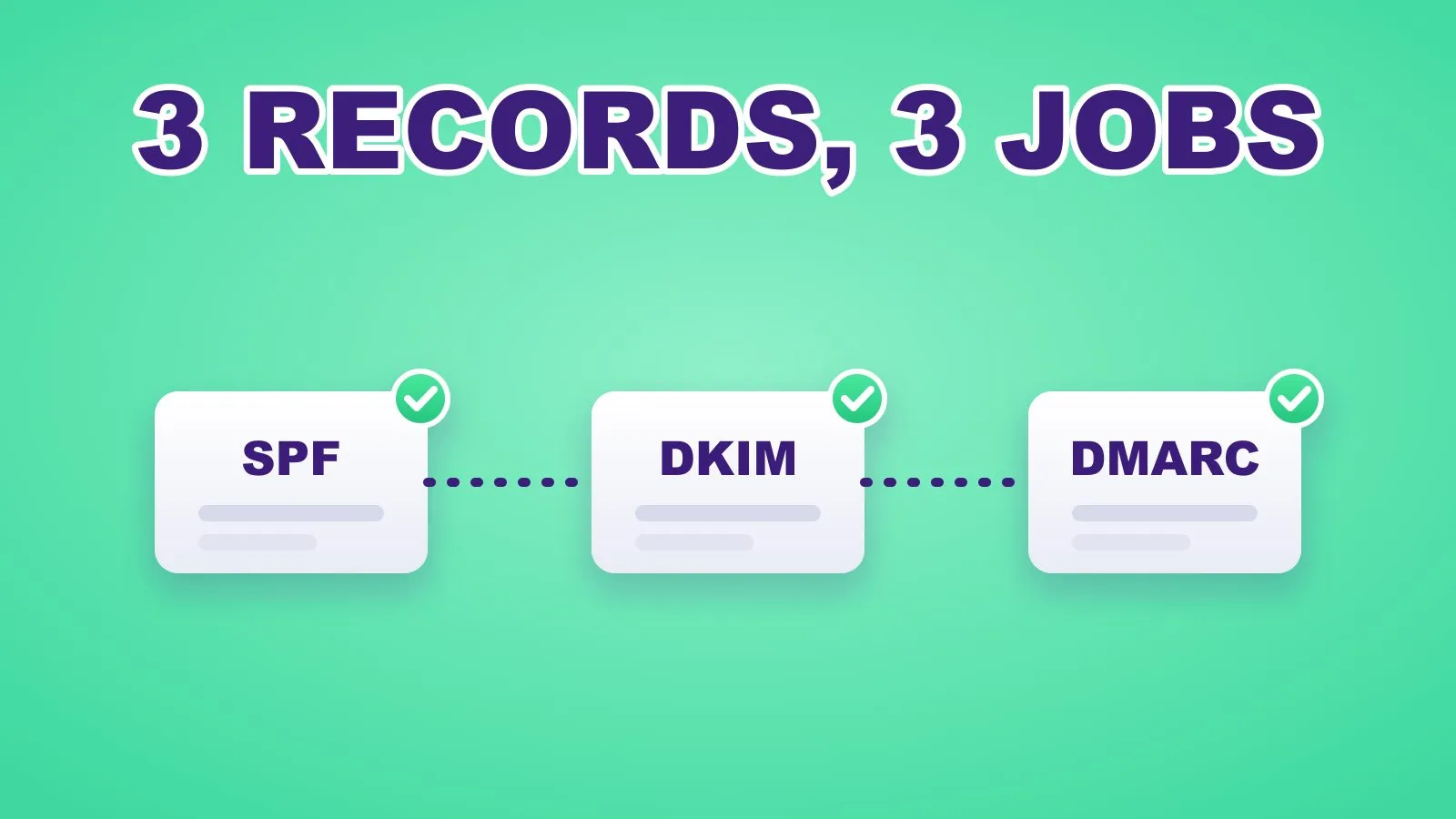 Three records, three jobs. DMARC is the one that ties them together.
The idea 💡
Prove every email is really from you, then tell inboxes to bin the fakes.
Why it works 🧠
Because the big inboxes now require it. Since February 2024, Google’s sender guidelines say anyone sending more than 5,000 messages a day to Gmail needs SPF, DKIM and a DMARC record, with the From address aligned to one of them. Yahoo set the same rules, including a DMARC policy of at least p=none.
Microsoft followed. From 5 May 2025, Outlook.com started routing non-compliant mail from high-volume senders to Junk, with outright rejection planned later.
Under 5,000 a day? Google still asks every sender to have SPF or DKIM in place. And DMARC is the only thing that stops someone else sending invoices “from” your domain.
What is DMARC (and what do SPF and DKIM do)?
| Record | What it says | Plain-English version |
|---|---|---|
| SPF | Which servers may send email for your domain | “These are my postmen.” |
| DKIM | A cryptographic signature on each message | “This is my handwriting.” |
| DMARC | What to do when SPF and DKIM fail, and where to send reports | “If it isn’t my postman or my handwriting, bin it, and tell me.” |
How to do it ✍️
- List every tool that sends email as you. Your mailbox (Google Workspace, Microsoft 365, IONOS), your marketing platform (HubSpot, Mailchimp, Klaviyo), your CRM, your website forms, your invoicing tool. Each one needs to be covered.
- Check SPF. One TXT record at your root domain that lists them all. Only one SPF record is allowed. Two means both fail.
- Turn on DKIM in every sending tool. Each tool gives you one or more records (usually CNAMEs) to add to your DNS. Add all of them. This is exactly what had gone missing on my domain.
- Publish DMARC in monitor mode. Add a TXT record named
_dmarcwithp=noneand a reporting address. Inboxes start sending you daily reports of who is sending as you. - Tighten after two to four weeks. Once the reports show all your real tools passing, move to
p=quarantine(fakes go to spam), thenp=reject(fakes are refused).
The records, ready to adapt:
# SPF (TXT at @). Include each sender you use, end with ~all
v=spf1 include:_spf.google.com include:servers.mcsv.net ~all

# DMARC, week 1 (TXT at _dmarc): monitor only
v=DMARC1; p=none; rua=mailto:[email protected]

# DMARC, once reports are clean: send fakes to spam
v=DMARC1; p=quarantine; rua=mailto:[email protected]; pct=100
Not sure where you stand? Run your domain through the free email deliverability checker. It shows your SPF, DKIM and DMARC in seconds.
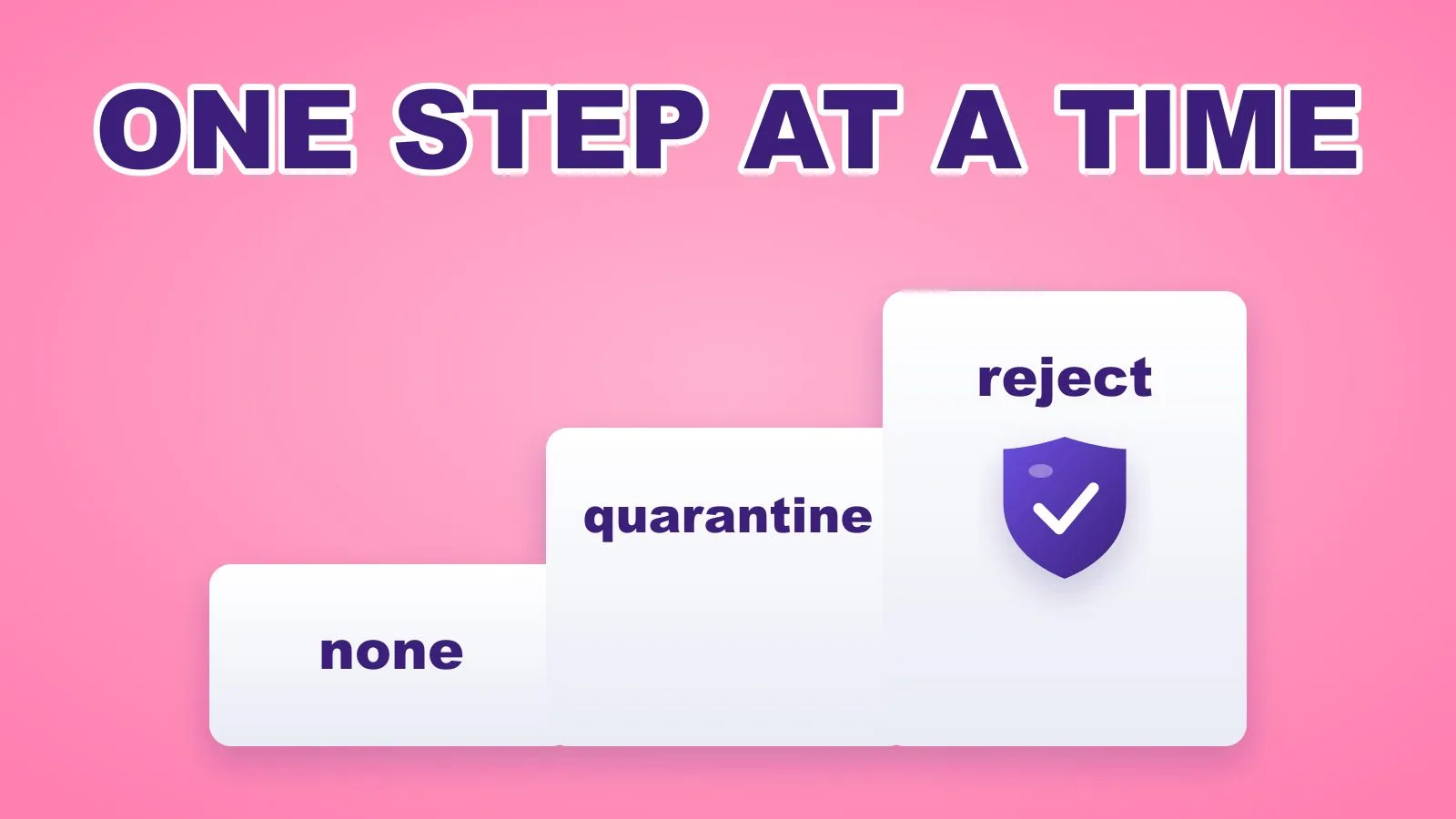 Climb one step at a time. Jumping straight to reject can block your own emails.
Automate it ⚙️
DMARC reports arrive as zipped XML files. Nobody reads them. So let a workflow do it:
- Collect: point
rua=at a dedicated inbox, for example[email protected]. - Unpack: a daily workflow (n8n, Power Automate or Make) opens new report emails, unzips the attachment and parses the XML.
- Summarise: an AI step turns it into three lines: who sent as you, how much passed, and anything new or failing.
- Alert: if a source fails that wasn’t failing yesterday, or a new sender appears, post it to Slack or Teams straight away.
- Log: append the daily totals to a sheet, so you know when it’s safe to move from
nonetoquarantine.
The prompt for step 3:
You are reading a DMARC aggregate report (XML below).
Summarise in 3 short lines for a marketing manager:
1) total messages, and the share that passed DMARC,
2) each sending source (IP or provider) that failed SPF or DKIM,
3) one recommended action, or "No action needed".
Do not guess provider names you can't see in the data.
This is part of the email deliverability setup I do for clients: every sender found, every record fixed, and an alert the day something breaks.
Quick wins to try 🧪
- 🔍 Check your domain today with the free checker. It takes 10 seconds.
- 🧹 Find old senders. That form tool you stopped using in 2022 may still be in your SPF record. Remove it.
- 🔁 Re-check DKIM after any DNS or email move. That’s when records go missing.
- 📮 Use a dedicated reports inbox, so daily DMARC reports don’t bury your real mail.
- 🧪 Send yourself a test to Gmail, open “Show original”, and confirm SPF, DKIM and DMARC all say PASS.
- 🪞 Then go win back cold leads with emails that actually arrive (here’s the identity trick).
How to measure it 📊
- DMARC pass rate: the share of your mail passing, from the daily reports. Aim for close to 100% before tightening.
- Spam complaint rate in Google Postmaster Tools: Google asks bulk senders to stay under 0.1%.
- Open and reply rates before and after the fix. If they jump, you were landing in spam.
Frequently Asked Questions
What is DMARC in simple terms?
DMARC is a DNS record that tells email providers what to do with messages that claim to be from your domain but fail SPF and DKIM checks, such as send them to spam or reject them, and where to send reports about who is using your domain.
Do I need SPF, DKIM and DMARC?
If you send email to Gmail, Yahoo or Outlook users, yes. Google requires every sender to use SPF or DKIM, and bulk senders (over 5,000 a day) to have all three. Even small senders benefit, because DMARC stops others spoofing your domain.
What DMARC policy should I start with?
Start with p=none so you only collect reports. After two to four weeks, when all your real sending tools pass, move to p=quarantine, and later to p=reject if you want fakes refused outright.
How long does DMARC take to set up?
Publishing the records takes about 10 minutes. The full rollout, from monitoring to quarantine, usually takes two to four weeks while you confirm every legitimate sender passes.
Ten minutes of DNS records, and your emails stop disappearing. Worth it.
Sam
If you want this built for you, book a call.