Marketing Ops
The free mini-tool that brings in leads every day 🕹️
Free tool lead generation in plain steps: build one small calculator or checker, give the answer free, trade the detail for an email and send every result to your CRM.
Quick answer: Free tool lead generation means building one small, useful tool (a calculator, checker or generator) that solves a single problem your buyers search for. Show the main result for free, offer the detailed version for an email, and send each result into your CRM so sales can follow up on what the person actually entered. With today’s AI app builders, a simple one takes about a day.
An article can be summarised. A calculator can’t be summarised into your numbers.
That matters more each month. When Pew Research looked at the browsing of 900 US adults, people who saw a Google AI summary clicked a regular search result in 8% of visits. Without the summary, it was 15%. They clicked a link inside the summary itself in just 1% of visits.
So the “10 tips” post is getting squeezed. The page where someone types in their own leads, budget or domain and gets an answer about their business still has a reason to exist.
 An answer gets read once. A tool gets used.
The idea 💡
Build one tiny free tool that answers a question your buyer asks before they buy, and make the result the reason they hand over their email.
Why it works 🧠
This isn’t new. It’s just got cheap.
HubSpot launched Website Grader in February 2007, and it says the tool was created to bring in buzz, traffic, links and leads for its software. By HubSpot’s count it has since evaluated 4 million websites. The current version asks for your website URL and email address, then gives you a score and a report.
Three things make it work:
- It answers a question with a number. “Is my site any good?” becomes “you scored 62”. People share and act on numbers.
- The input tells you who they are. Someone who types “40 leads a month, 3-day reply time” has told you their problem and roughly its size.
- It keeps working. A good tool page gets found, used and linked month after month, with no ad spend behind it.
In 2007 that took a dev team. Now an AI app builder can produce a working first version from a clear brief in an afternoon. The hard part has moved from building to choosing.
How to do free tool lead generation ✍️
- Pick the question, not the tool. Look at your sales calls and inbox. What do prospects try to work out before they talk to you? “What is this costing me?”, “Is my setup broken?” and “How do I compare?” are the best ones, because each ends in a number.
- Keep it to one screen. Three to five inputs and one output. If it needs a login, a tutorial or more than a minute, cut it back.
- Show your working. Put every assumption on the page and let people change it. A tool that hides its maths looks like a sales trick. A page that explains itself is easier to trust and easier to quote.
- Give the headline free, gate the detail. The main number shows straight away. The breakdown, the plan or the PDF version needs an email. Gating the whole result kills the tool.
- Write the page around the search. A plain title that matches what people type, a two-line answer at the top, short steps and a few FAQs, just like a good post.
 The number is free. The plan behind it costs one email.
This is how my own free tools work. The speed-to-lead calculator shows what slow replies cost you straight away, with the assumption it uses written out and editable. The full breakdown and fix plan open up with one email.
Copy this brief into whatever AI builder you use:
Build a single-page web tool for {audience}.

Question it answers: {e.g. "How much revenue do slow lead replies cost me?"}
Inputs (max 5, with sensible defaults): {input 1}, {input 2}, {input 3}
Formula: {write the maths in plain words}
Assumptions: show each one on the page with its source, and make it editable.

Output:
- Show the main result immediately, large, with one sentence explaining it.
- Below it, a locked section ("Your full breakdown") that opens after
  an email is entered. On submit, POST {email, inputs, result, tool_name,
  page_url} as JSON to {webhook_url}.

Rules: works on a phone first, loads fast, no login, no tracking beyond
what the site already uses, plain English labels, accessible form fields.
Automate it ⚙️
The tool is the bait. The automation is what turns a result into a conversation.
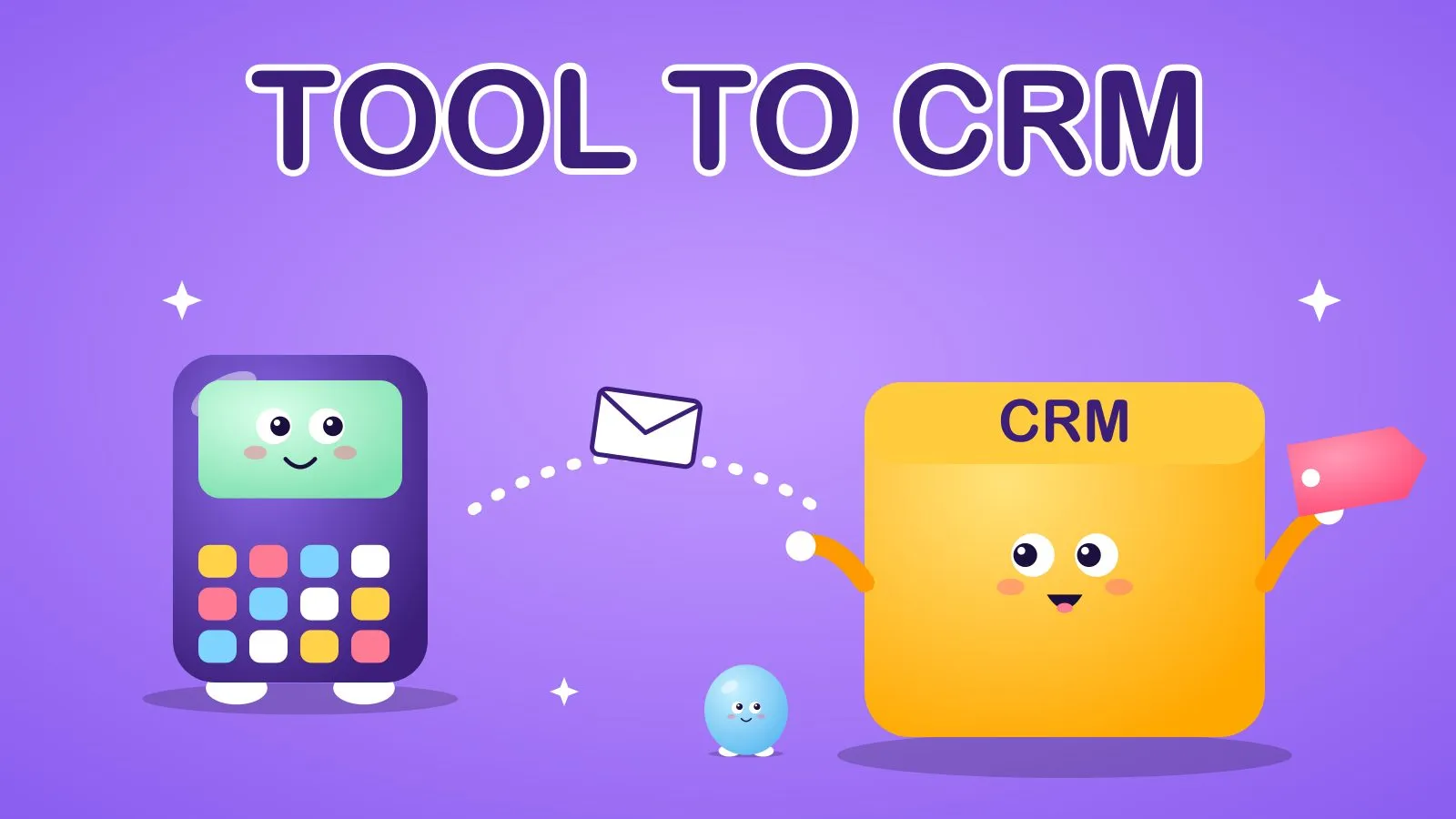 Every result lands in the CRM with the numbers attached.
- Catch the submit. The tool posts to a webhook: a HubSpot form, a Marketo form, a Salesforce web-to-lead endpoint or a small serverless function. Put a bot check and a rate limit in front of it. Free tools attract scripts, and you don’t want them in your CRM (here’s how to keep fake leads out).
- Save the inputs as fields. Create properties like
tool_name,tool_resultand one or two key inputs. “Used the speed-to-lead calculator, result $18,000 a month” is a far better sales note than “downloaded a resource”. - Score and route on the result. A big number means a big problem. Above your threshold, alert a person. Below it, send them to a nurture flow.
- Send the detail by email too. The follow-up email repeats their result, gives the breakdown and asks one question. Replies to that question are your warmest leads.
- Enrich quietly. Add company size and industry from the email domain so sales doesn’t have to look it up. My post on lead enrichment automation shows the steps.
Use this prompt for the follow-up email, with the numbers passed in as data:
Write a short follow-up email to someone who just used our {tool_name}.
Use ONLY these facts and copy each number exactly: {inputs_and_result_json}

1. One line restating their result in plain words.
2. The single biggest lever in their numbers and why.
3. One practical step they can take this week without buying anything.
4. One question about their situation that they can answer in one line.

Under 120 words. Friendly, plain Australian English. No hype, no
exclamation marks, no claims that aren't in the facts.
If you’d like the tool and the CRM side built for you, that’s part of my HubSpot automation work, and the follow-up step can be run by one of my AI agents.
Quick wins to try 🧪
- 🔎 Search your own space for “calculator”, “checker” and “template”. If the results are thin or ugly, that’s your gap.
- 🧾 Turn your best spreadsheet into a tool. If your team already uses a sheet to price or scope, half the work is done.
- 🎉 Point your thank-you page at a tool so new contacts get value straight away.
- 🔗 Link the tool from every related post. Tool pages earn links that articles don’t.
- 📮 Add the result to the welcome email instead of a generic “thanks for signing up”.
- 🧮 Rename one input to the words your buyers use on calls, then watch completion change.
How to measure it 📊
- Starts to results: of the people who touch the first input, how many reach the result? Under half means it’s too long or too confusing.
- Results to emails: how many hand over an email for the detail? If almost nobody does, the free part is giving away too much, or the locked part isn’t worth it.
- Tool leads to meetings: follow the
tool_namefield through the pipeline and compare it with leads from your other forms.
Frequently Asked Questions
What is free tool lead generation?
It’s offering a small, free, useful tool (like a calculator, grader or generator) to attract the people who have the problem you solve. They use it for an answer, and you ask for an email in return for a more detailed result. HubSpot’s Website Grader is a well-known example.
What free tool should I build for lead generation?
Build the one that answers a question prospects already ask you before they buy, ideally one that ends in a number: a cost, a score or a comparison. Check your sales calls and inbox for it. Keep it to five inputs or fewer.
Should I gate a free tool behind an email?
Gate the detail, not the whole thing. Show the main result straight away so the tool is genuinely useful, then offer the breakdown, plan or PDF for an email. People who’ve already seen a useful result are much more willing to share their details.
Can I build a lead generation tool without a developer?
Yes, for a simple one. AI app builders can produce a working calculator or checker from a clear brief. Get someone technical to check the form handling, bot protection and where the data goes before you launch, because that’s where things go wrong.
Pick the question your buyers keep asking, give them the answer in numbers, and let the CRM do the rest.
Sam
If you want this built for you, book a call.